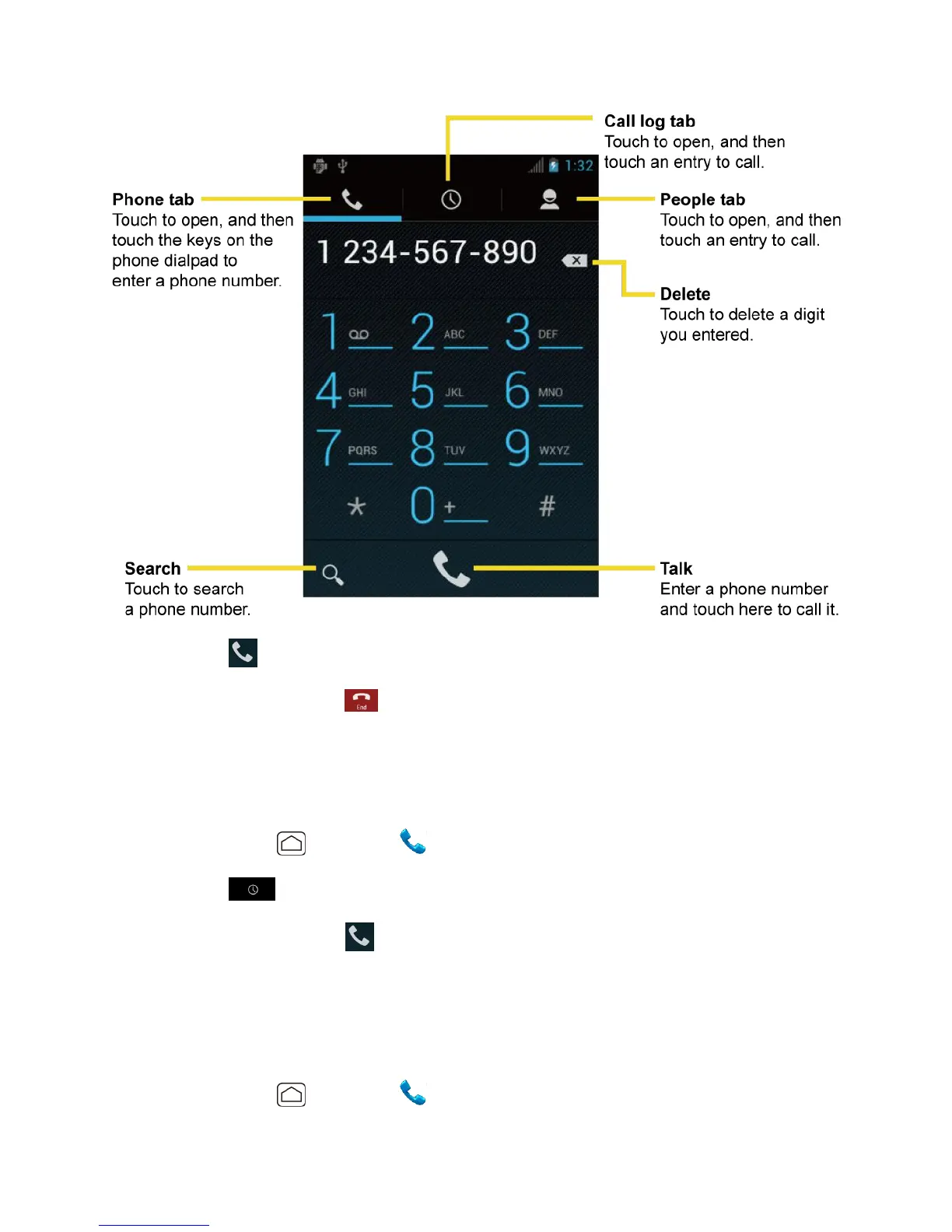
Phone 31
3. Touch to call the number.
4. To end the call, touch .
Call From Recent Calls
The Recent Calls list lets you quickly place calls to recent incoming, outgoing, or missed
numbers.
1. Press Home , and touch to display the phone screen.
2. Touch to display the Call log list.
3. Touch the phone icon next to a number or a People entry to place a call.
4. For additional options, touch the name or number.
Call From People
You can place phone calls directly from entries in your People list.
1. Press Home , and touch to display the phone screen.












 To Next Page