Scanner Settings
1-6
Setting Image Quality
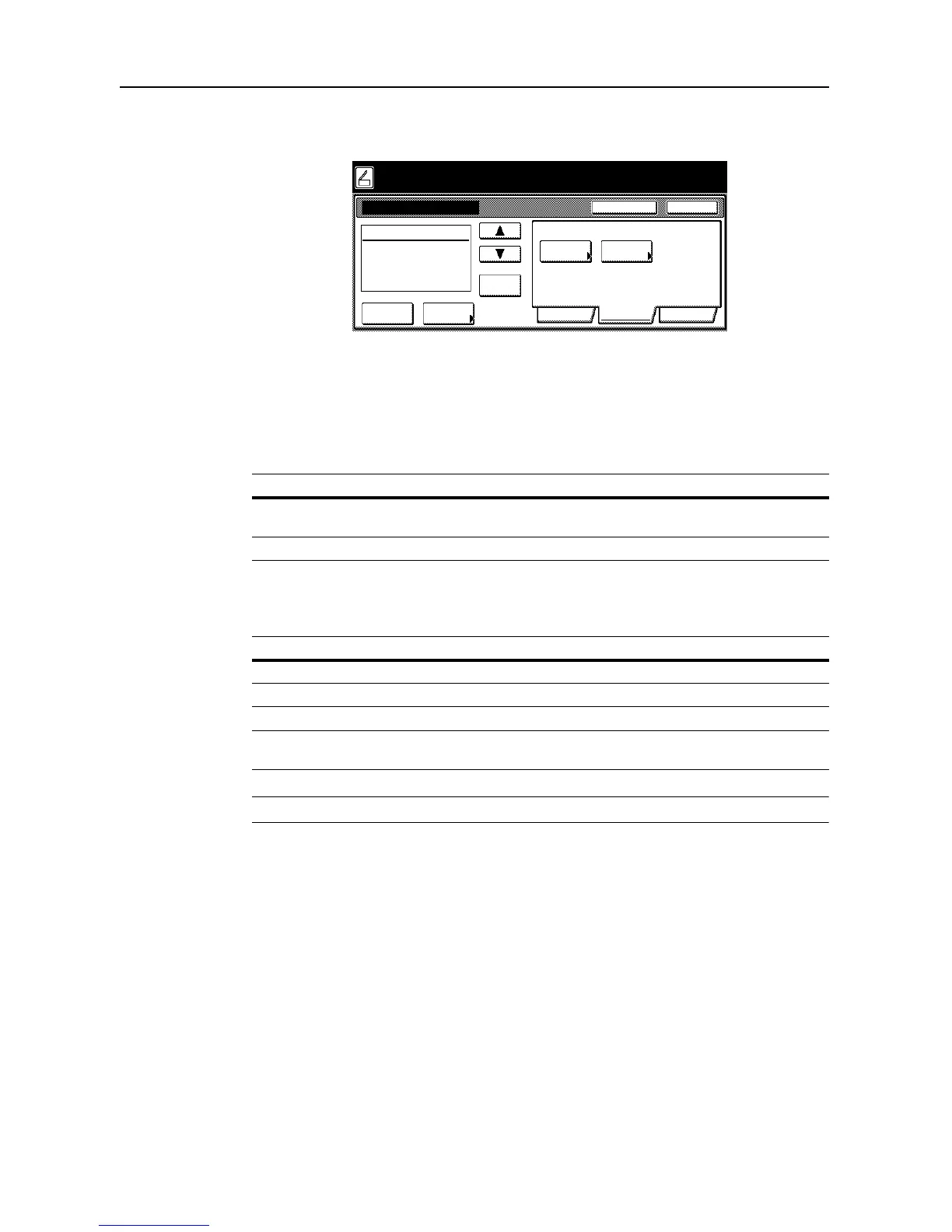
The following settings are available from the scanner function screen’s [Quality] tab.
• Scanning Density...1-6
• Original Image...1-6
Scanning Density
Adjust the scanned image density.
Original Image
Choose the image quality suited to the type of original.
NOTE: For Send E-mail, [Photo] is not available.
Item Description
Manual (1 - 7) Manually adjust the scanned image density.
Density can be adjusted in either 7 or 13 steps.
Auto The appropriate density is set by detecting the density of the original.
Item Description
Text+Photo When scanning originals with mixed text and photos.
Photo To reproduce depth of photo originals.
Text To clearly reproduce penciled or fine lines.
for OCR For use with OCR applications (software to convert optical characters to text
data).














 To Next Page