Inspection and preventive maintenance
CHK - Network functionalities and rmware
Equipment
• computer with LA Network Manager version 3.1.0 minimum and CAT5e cable
Procedure
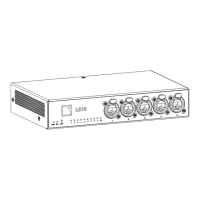
1. Connect LS10 to an Ethernet port of a computer running LA Network Manager.
Use the CAT5e cable.
2. Open the Switch Conguration Tool application.
a) Open LA Network Manager.
b)
Click > Switch Conguration Tool.
c) Scan the network.
3. Check that the switch is detected by the application.
Refer to Using Switch Conguration Tool (p.25) for more information.
4. Check that all L-Acoustics switches in the system run the same version of the rmware.
5. If convenient, update LA Network Manager and the rmware to the latest version.
LS10 owner's manual (EN) version 1.0 13


 To Next Page