Operation
Operation
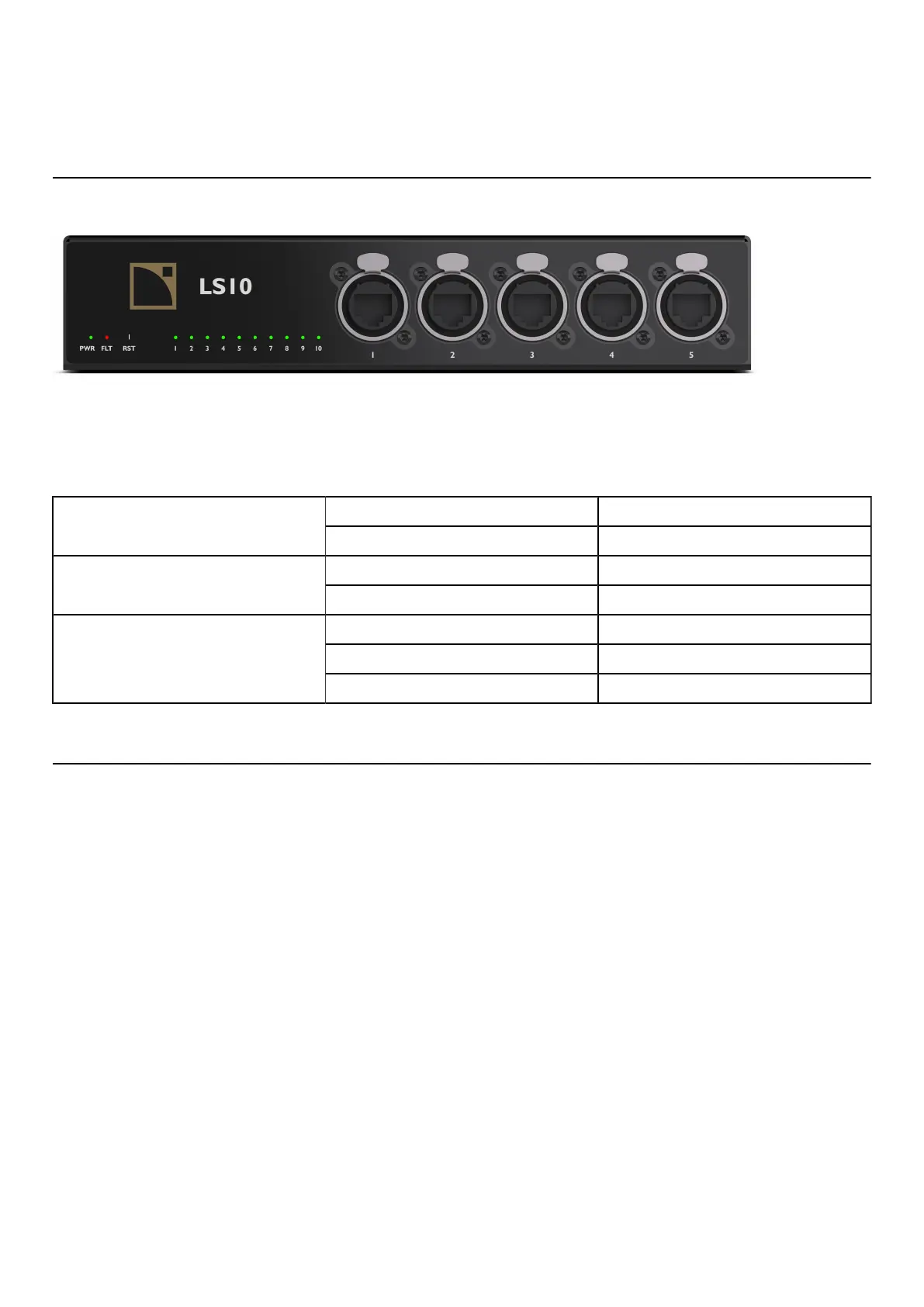
LS10 LED colors
LS10 is equipped with 12 LED indicators:
• 10 Link/Act indicators
• 1 Fault indicator
• 1 Power indicator
Colors and meaning
green poweredPower
off unpowered
red fault detectedFault
off nothing to report
green link established
blink link active
Link/act indicators
off link not established
Reset button
It is possible to reset LS10 to factory default settings using the Reset button.
Press the RST button and hold it for seven seconds to set back the switch to factory default settings.
It sets back:
• the default IP address to 192.168.1.200
• the default subnet mask to 255.255.255.0
• the default options of the switch
It is also possible to reset LS10 with the Switch Conguration Tool. Refer to Using Switch Conguration Tool (p.25).
24 LS10 owner's manual (EN) version 1.0


 To Next Page