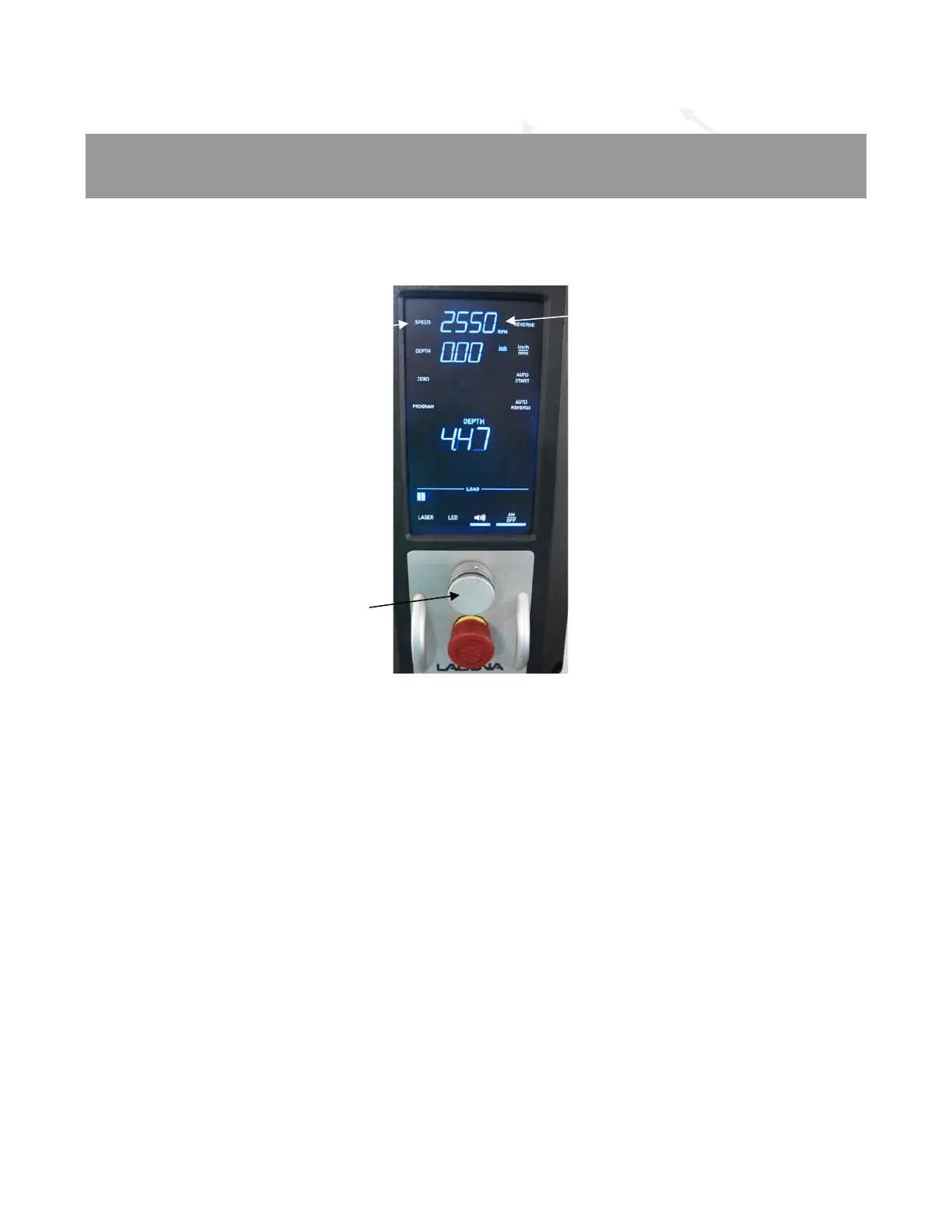
To adjust the drill press RPM, select the “SPEED” setting on the Control Panel. The light bar
next to the switch will light up and flash. While the light bar is flashing rotate the Control Knob
until the desired RPM is reached.
Figure 42: Speed Setting (RPM)
RPM / Drill Speeds:
The DP20 drill press has an RPM speed range from 60 to 3600 RPM. Select the correct speed
for the type and size of bit being used and the material being drilled. Use the drill speed chart
below or on the side of the machine to select the correct speed for various types and sizes of
bits. Please note that this speed chart should be used as a starting point for certain bits or
operations and adjustments may be needed to the RPM for specific types and sizes of bits or for
certain operations and accessories. Consult specifications from the bit or accessory
manufacturer or from a machinists’ guide for additional information, settings, or
recommendations.
The RPM setting is limited to 600 RPM when using the Auto Reverse function to help prevent
tap breakage and is typically much slower.
As general rules of thumb, smaller drill bits require higher RPM settings, softer materials use
higher RPM while harder materials use slower RPM.
Next is an RPM (speed) selection chart. These are basic suggestions for RPM selection. Keep
in mind that your conditions and parameters may require other settings for optimum
performance.



 To Next Page