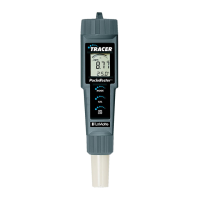
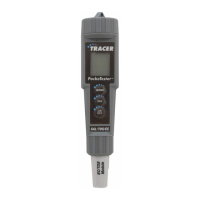
Turning the Meter On
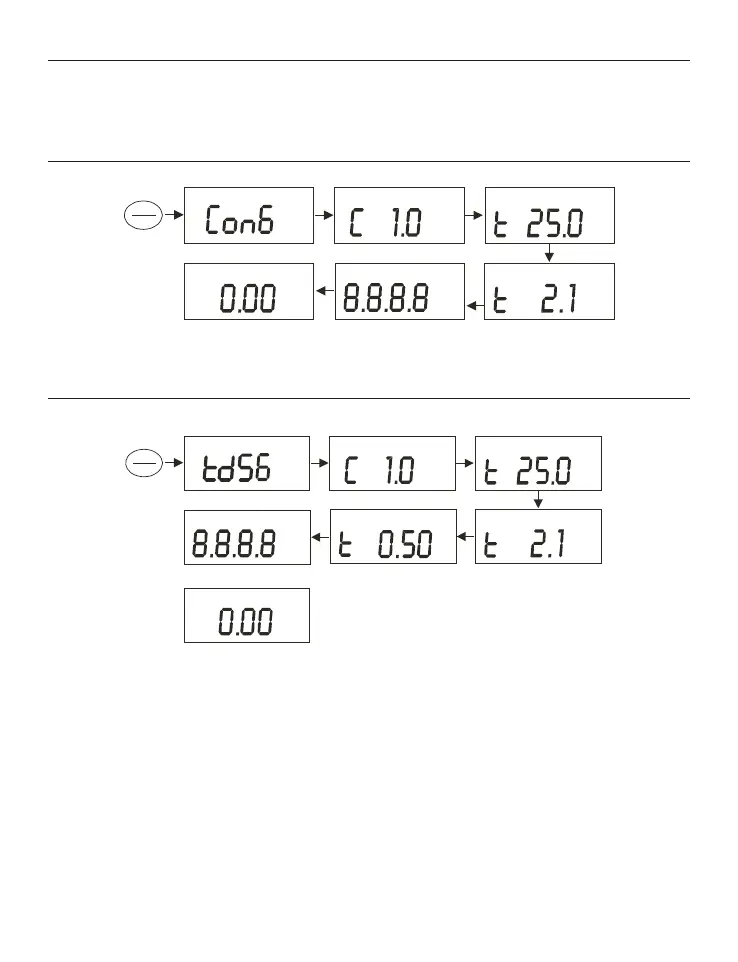
When the meter is turned on, it will go through a series of displays that show
the set-up parameters.
For CON 6
For TDS 6
Press ON/OFF button to turn on the meter.
1. First screen shows [Con 6] (or [tdS 6]) to identify the meter.
2. Second screen shows [C 1.0] which is the conductivity cell constant, k.
Cell constants of 0.1, 1.0 or 10.0 can be selected. Refer to Section on
Advance Set-up. Default value is k=1.0.
3. Third screen shows [t 25.0 °C] which is the Normalization Temperature.
Normalization Temperatures of 25 °C or 20 °C may be selected. Refer to
Section on Advance Set-up. Default value is 25 °C.
Measurement Mode
m
S
µ
C°
%
pptmV
pH %MINMAXLOHO
F
C°
°
m
S
µS
µ
ON
OFF
Measurement Mode
C°
%
ON
OFF
ppm
pptmV
pH %MINMAXLOHO
F
C°
°
m
S
µ
pptm
12



 To Next Page
 Loading...