Making Copies
Making Copies 1 - 3
Making Copies
1
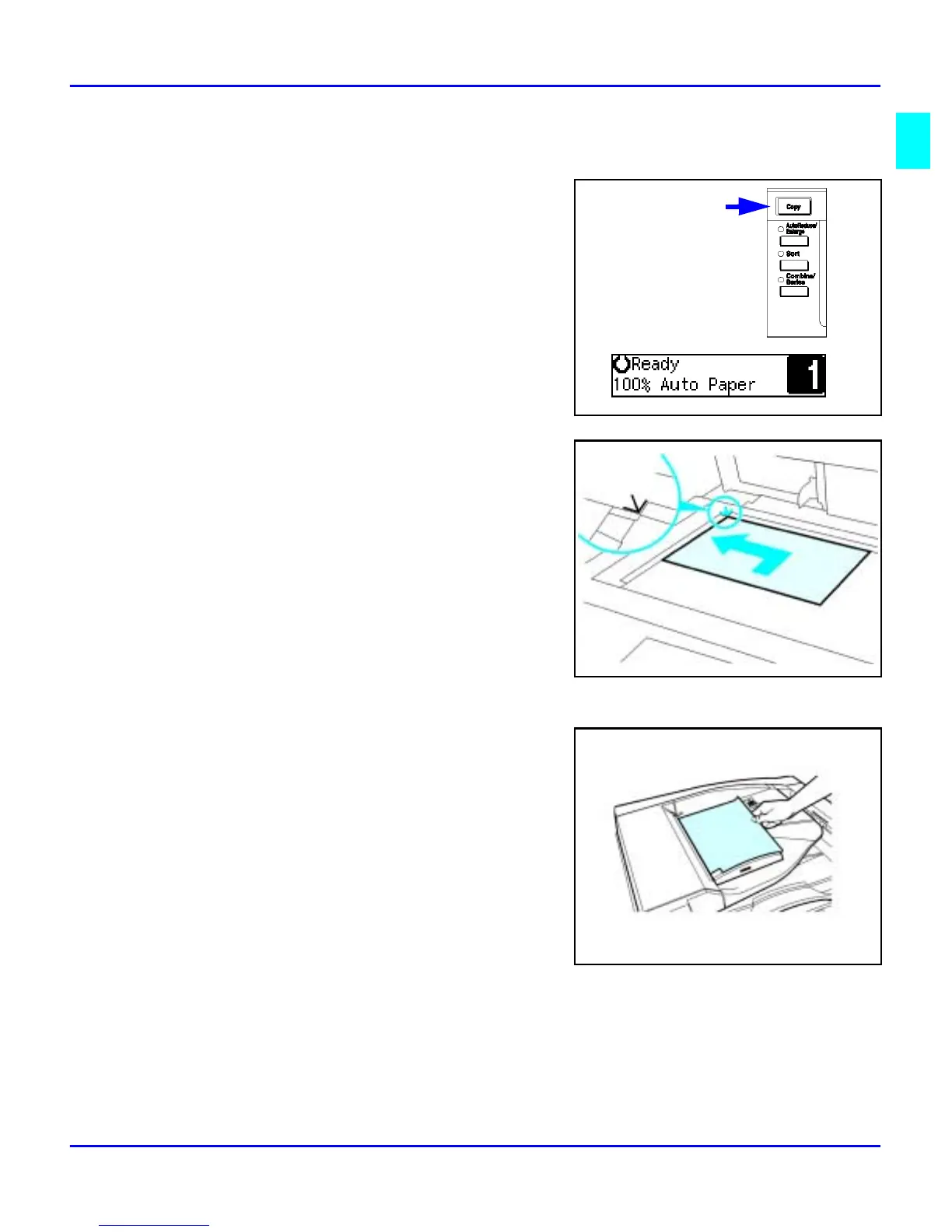
Check the Function key to be sure the
machine is in the copy mode. If not, press the
Copy key.
2
If the User Code feature is activated, the
message “Input user code, then press #” is
displayed. Enter your User Code using the
keypad.
3
Place original documents
•
Face-down on the Exposure Glass. Align
originals to the indicator mark that
represent the size of originals you are
going to copy.
•
Face-up on the Automatic Document
Feeder.
4
Select copy options from the Copy Options Table on the next page.



 To Next Page