Enlargement and Reduction Ratios
3 - 10 Copier Functions
Enlargement and Reduction Ratios
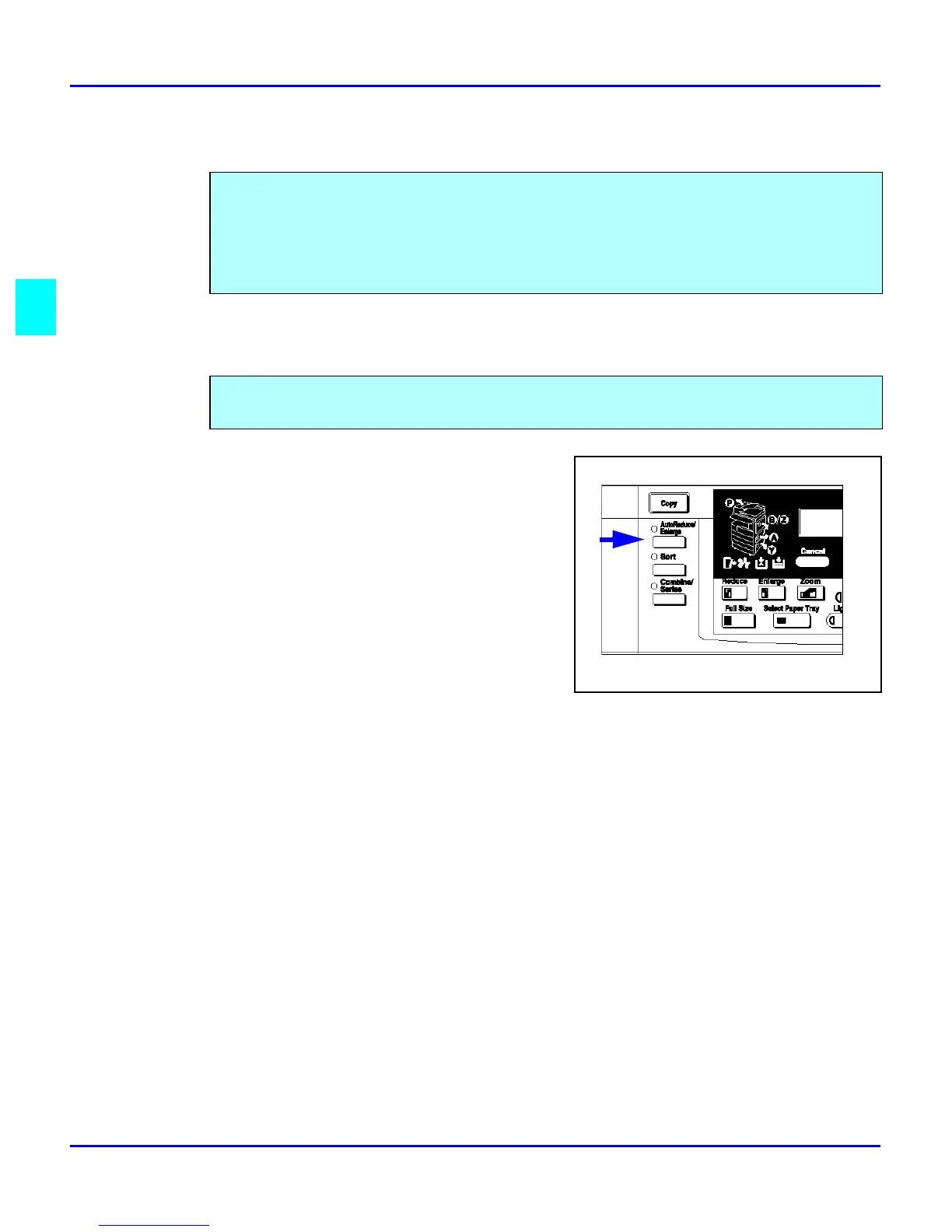
Using Auto Reduce/Enlarge
1
Press the Auto R/E key.
2
Select the paper tray by pressing the Select
Paper Tray key.
3
Press the Start key.
Your copier allows you to enlarge or reduce your copies using:
•
Auto Reduce/Enlarge
•
Preset Copy Ratios
•
Zoom Key: with 1% increments
The copier automatically chooses the appropriate reproduction ratio based on the paper and
original sizes you select.



 To Next Page