Series Copying
4 - 10 Copying Methods
Series Copying
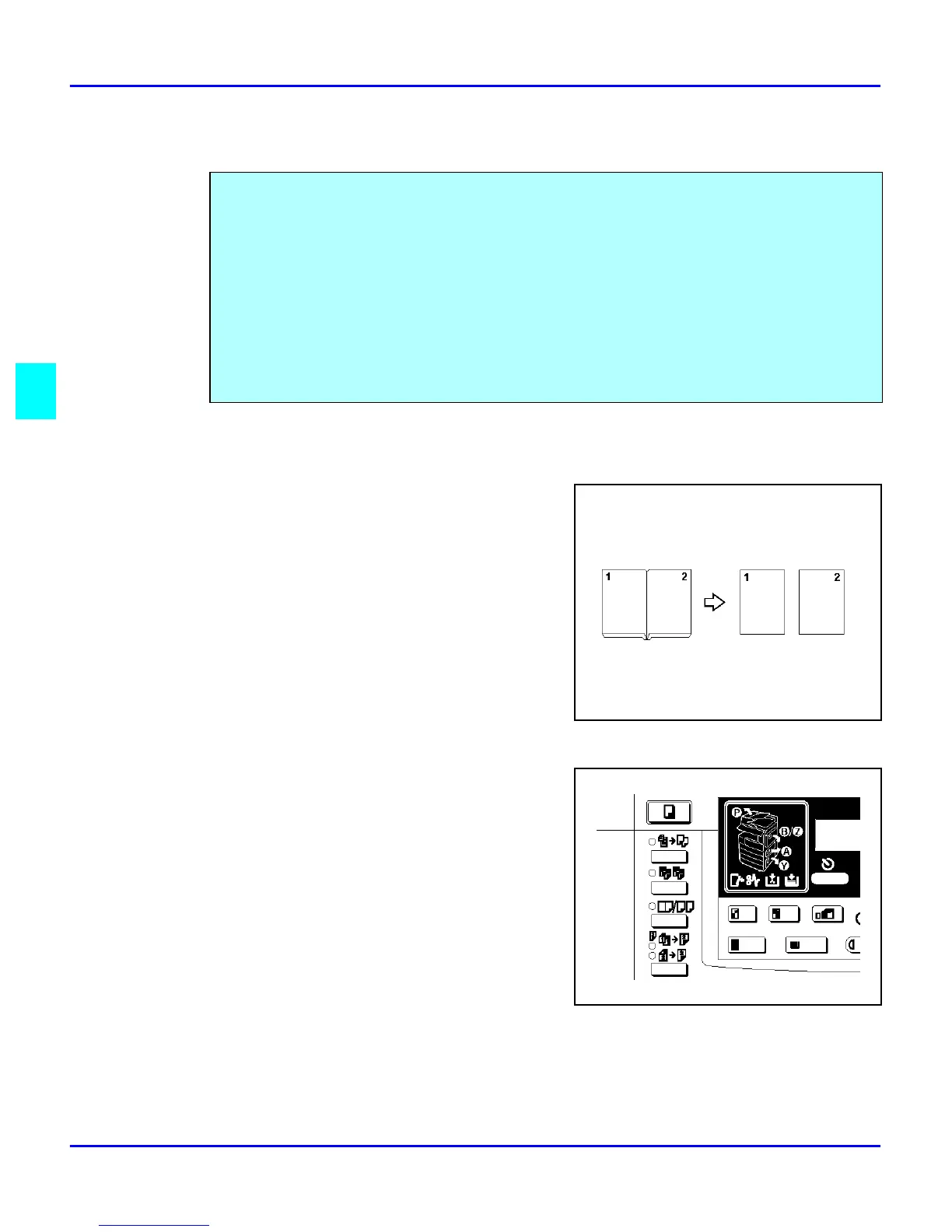
Book to 1 Sided
You can make 1–sided copies from 2 facing page of
a bound original (Book).
1
Press the Combine/ Series key.
2
Press the right Cursor key to select
“Series”, then press the OK key.
3
Make sure that “Book to 1 Sided” is selected
and press the OK key.
4
Select the paper by pressing the Select Paper
Tray key until the paper you require is
displayed.
5
Press the OK key.
6
Set your book original on the exposure glass, then press the Start key.
You can make one-sided copies from two facing pages of bound (book) originals and from two-
sided originals.
Two methods are available:
Book to 1 Sided: You can make one-sided copies from two facing pages of a bound original
(book).
2 Sided to 1 Sided:
(The optional document feeder is required.) You can make one-sided copies from two-sided
originals.



 To Next Page