Selecting Copy Paper
Copier Functions 3 - 9
Using Manual Paper Select
1
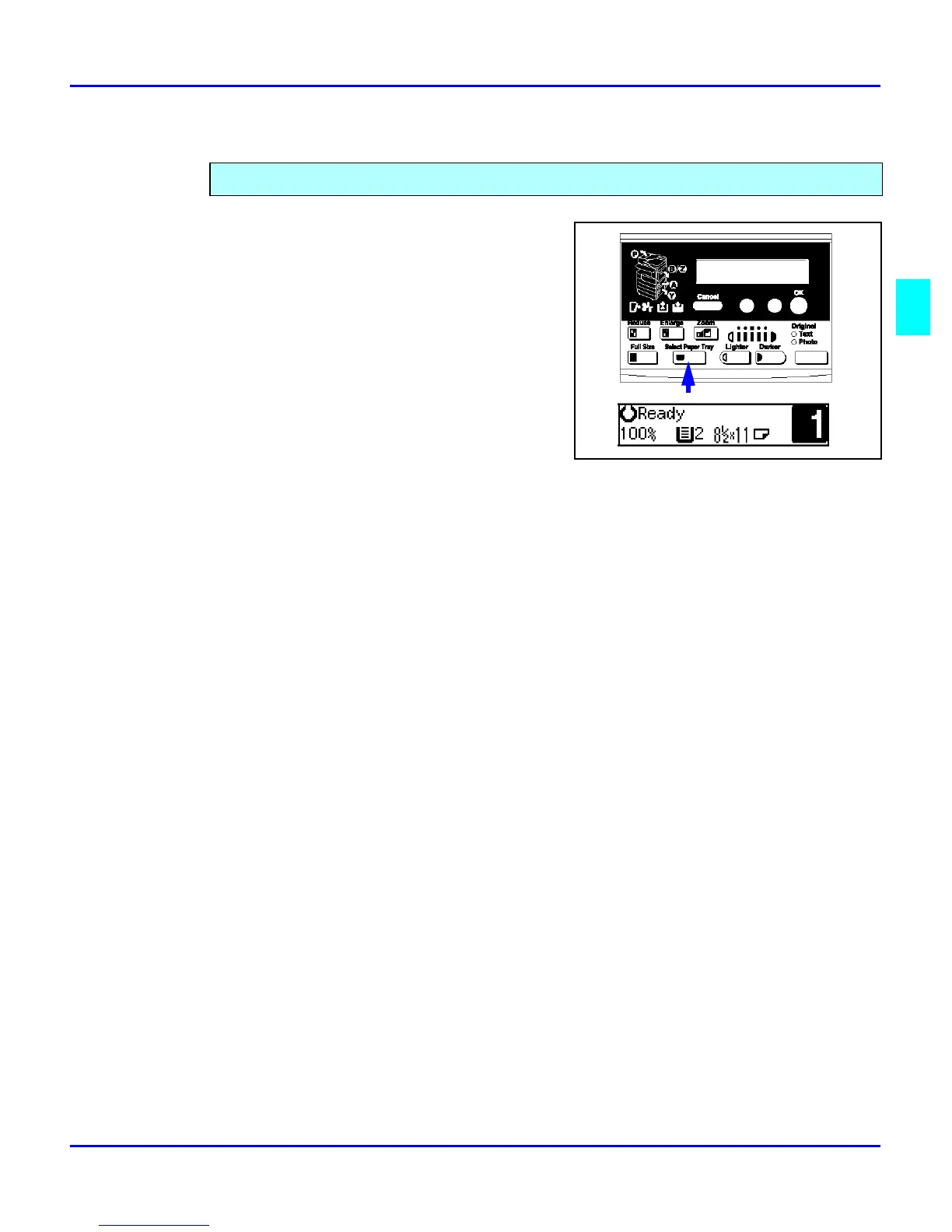
Select the paper tray or Bypass Tray by
pressing the Select Paper Tray key.
The display shows the paper size in the tray
and the tray selected.
2
Proceed with your copy set up selections.
3
Press the Start key to begin copying.
You can manually select a paper tray.



 To Next Page