2 - 6 Component Identification
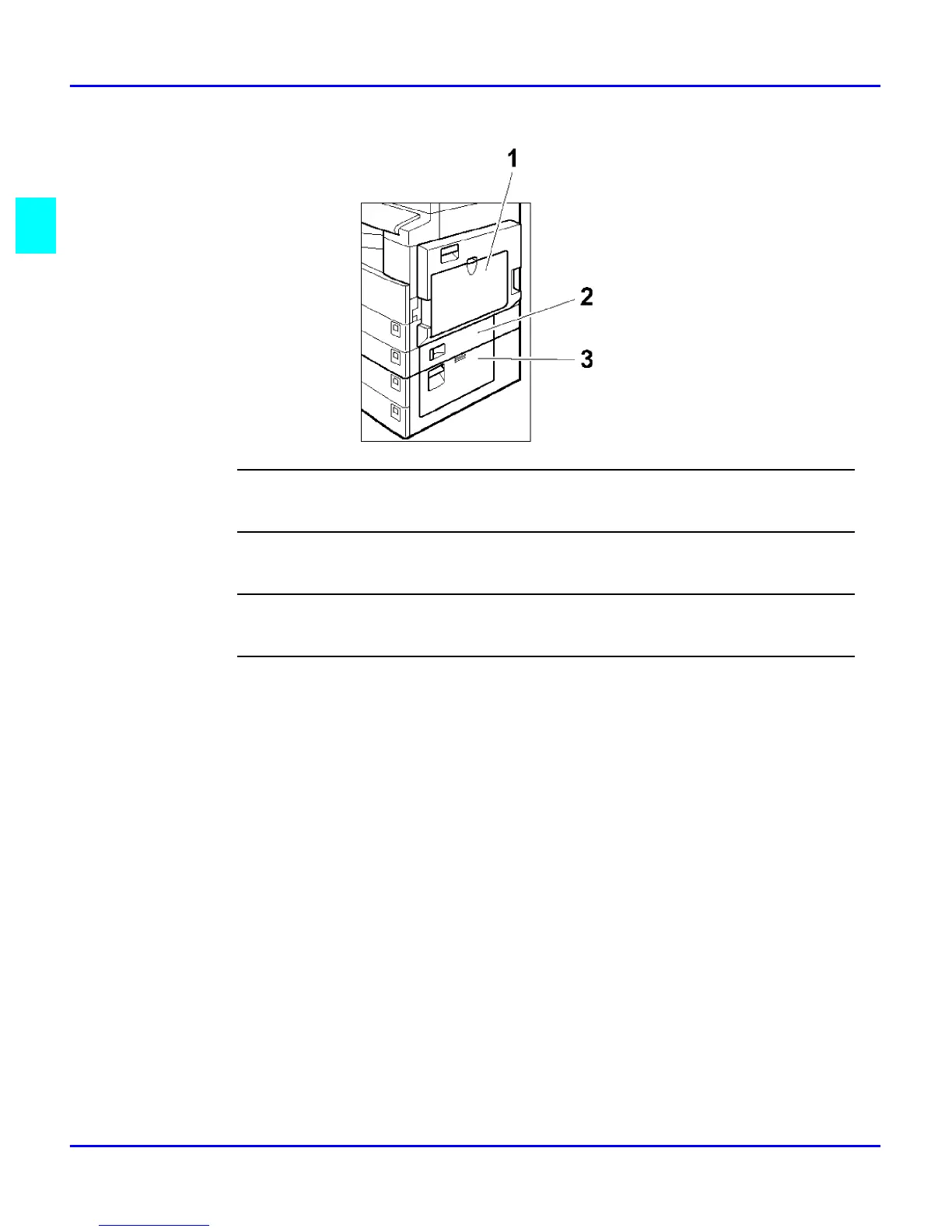
Component Locations - Rear
1
Bypass Tray
Use to copy onto OHP transparencies, adhesive labels, translucent paper, post cards, and non-standard size paper.
2
Paper Tray Cover
Open this cover to remove jammed paper fed from the optional system stand.
3
Lower Right Cover
Open this cover to remove jammed paper from the lower paper tray or optional system stand.
4
System Stand Right Cover
Open this cover to remove jammed paper from the system stand.



 To Next Page