Clearing Paper Misfeeds
6 - 8 Service and Supplies
Clearing Paper Misfeeds
WARNING:
When removing misfed paper, do not touch the fusing section because
it could be very hot.
Important:
•
When clearing misfeeds, do not turn off the power switch. If you do, your copy
settings are cleared.
•
To prevent misfeeds, do not leave any torn scraps of paper within the machine.
•
If paper misfeeds occur repeatedly, contact your service representative.
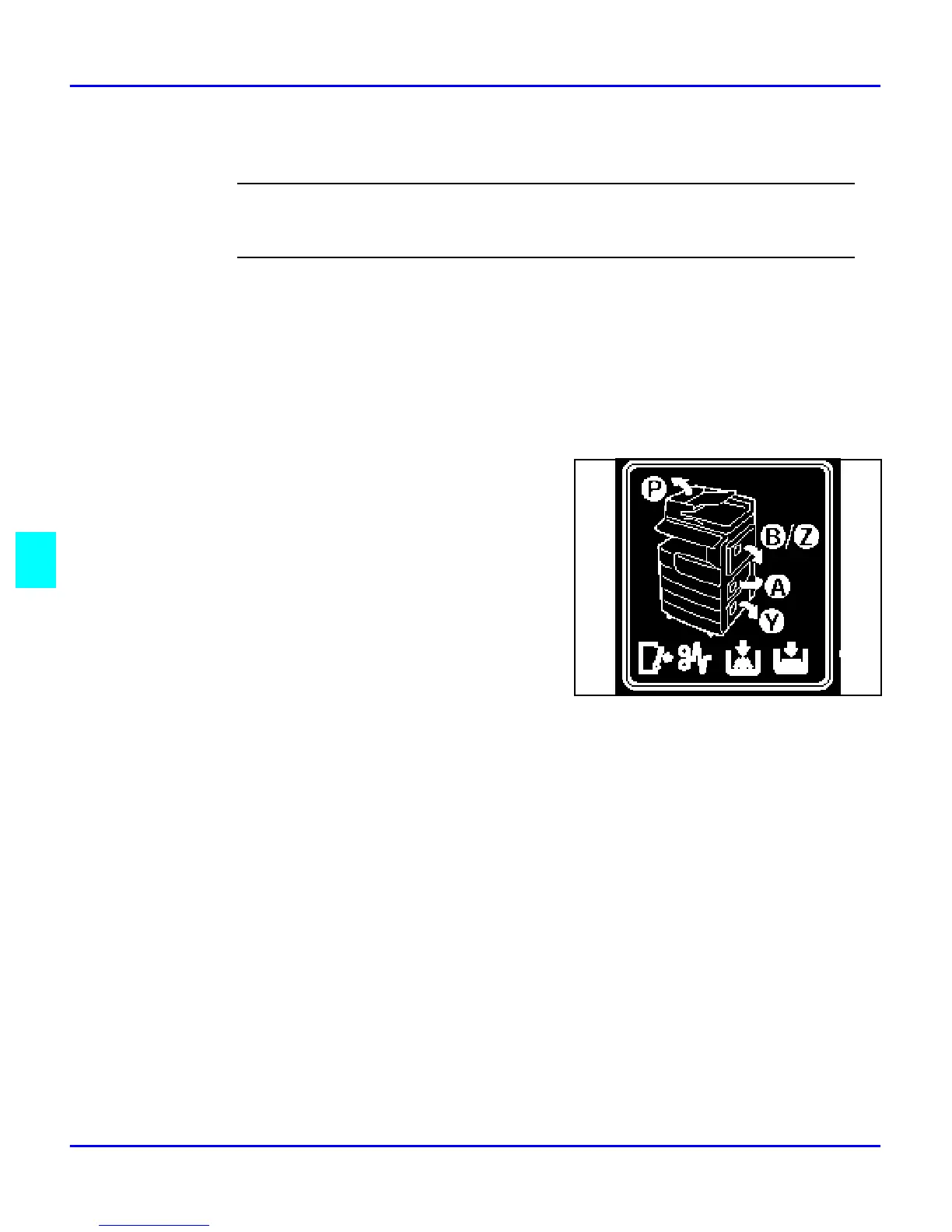
More than one misfed areas may be indicated. In
this case, check every applicable area. You can find
a label on the inside of the front cover explaining
how to remove misfed paper.
When the machine instructs you to reset originals, reset your originals to the feeding
position. The display will indicate the number of originals you should return. When
removing misfed paper, do not touch the fusing section because it could be very hot.



 To Next Page