Changing the Toner Cartridge
Service and Supplies 6 7
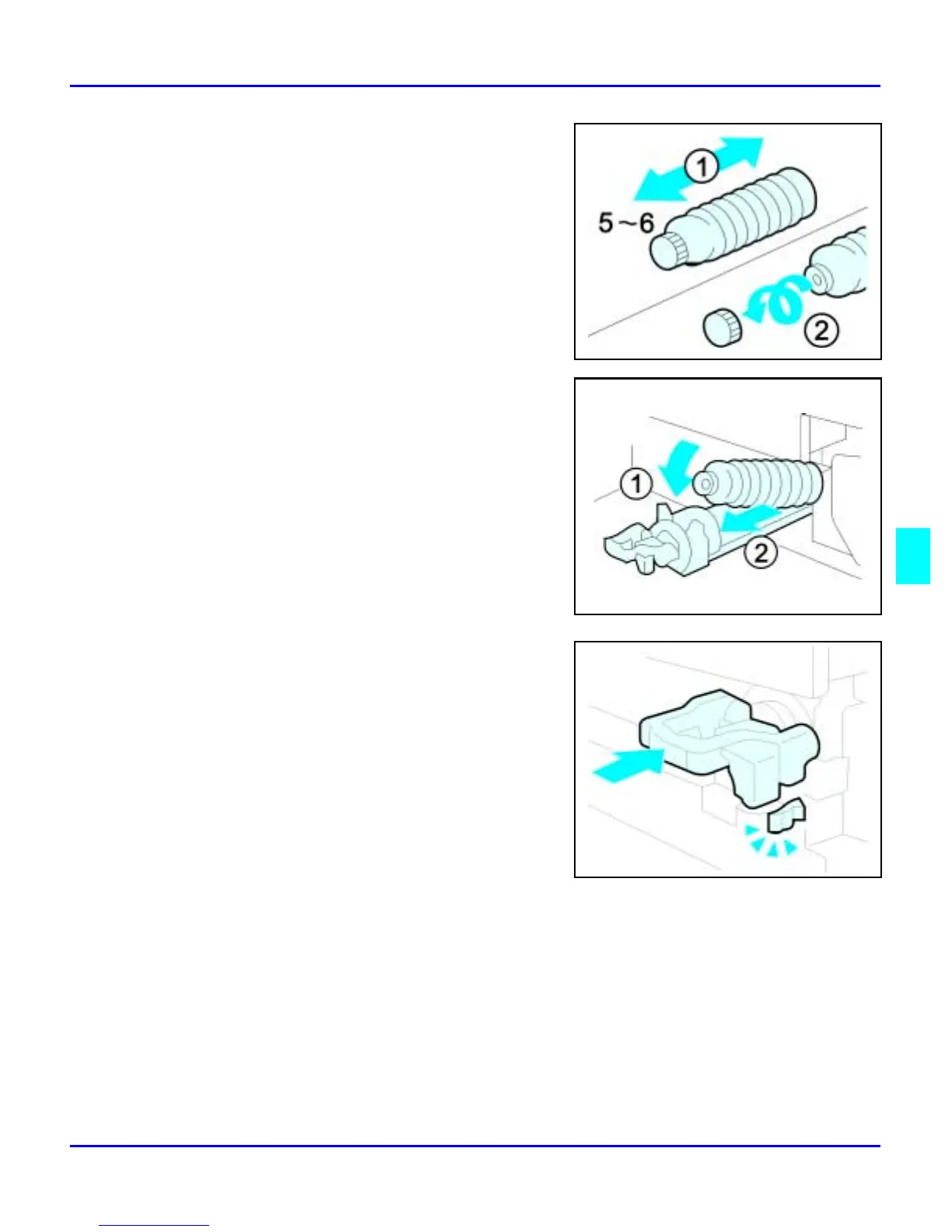
5
Remove the outer cap.
Note: Do not remove the Inner Cap.
6
Place the new Toner Bottle in position, turn it
clockwise, then return the green lever back to
its closed position.
7
Return the Toner Bottle Holder to its original
position.
8
Close the Front Cover of the copier.



 To Next Page