Enlargement and Reduction Ratios
3 - 12 Copier Functions
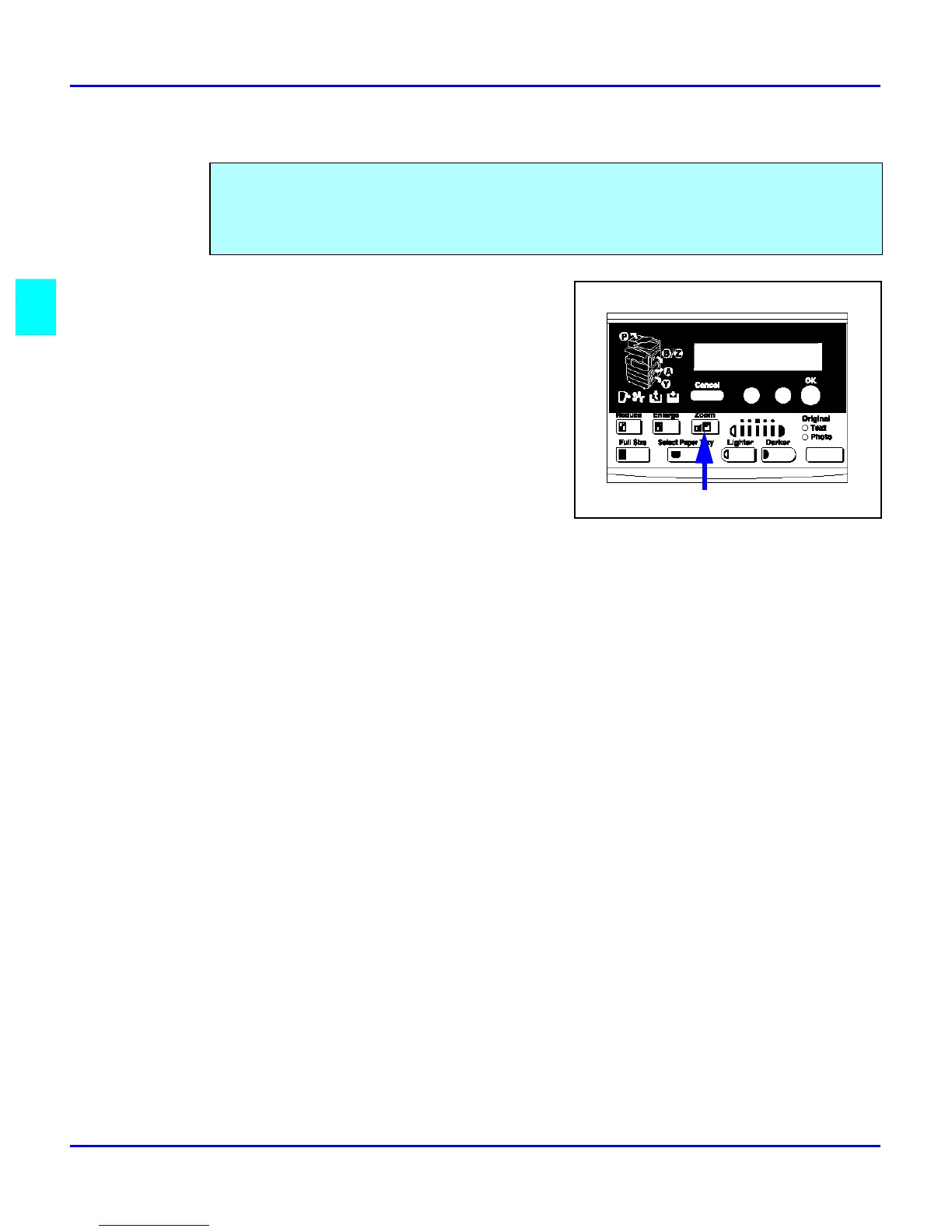
Zoom Keys
1
Press the Zoom key.
2
Enter the ratio using the cursor keys or
keypad.
•
Cursor Keys: Press the cursor key until
the desired ratio is displayed.
•
Holding down the cursor key allows
scrolling.
•
Keypad: Enter the desired ratio using the
keypad. To change the value enter, press
the Clear/Stop key.
3
After you selected your desired Copy Ratio, press the OK key.
4
Set your originals in place and press the Start key.
The Zoom key allows you to select a precise copy ratio selection from 50% to 200% in one
percent increments.
You can use the cursor keys, or the keypad to change the copy ratio.



 To Next Page