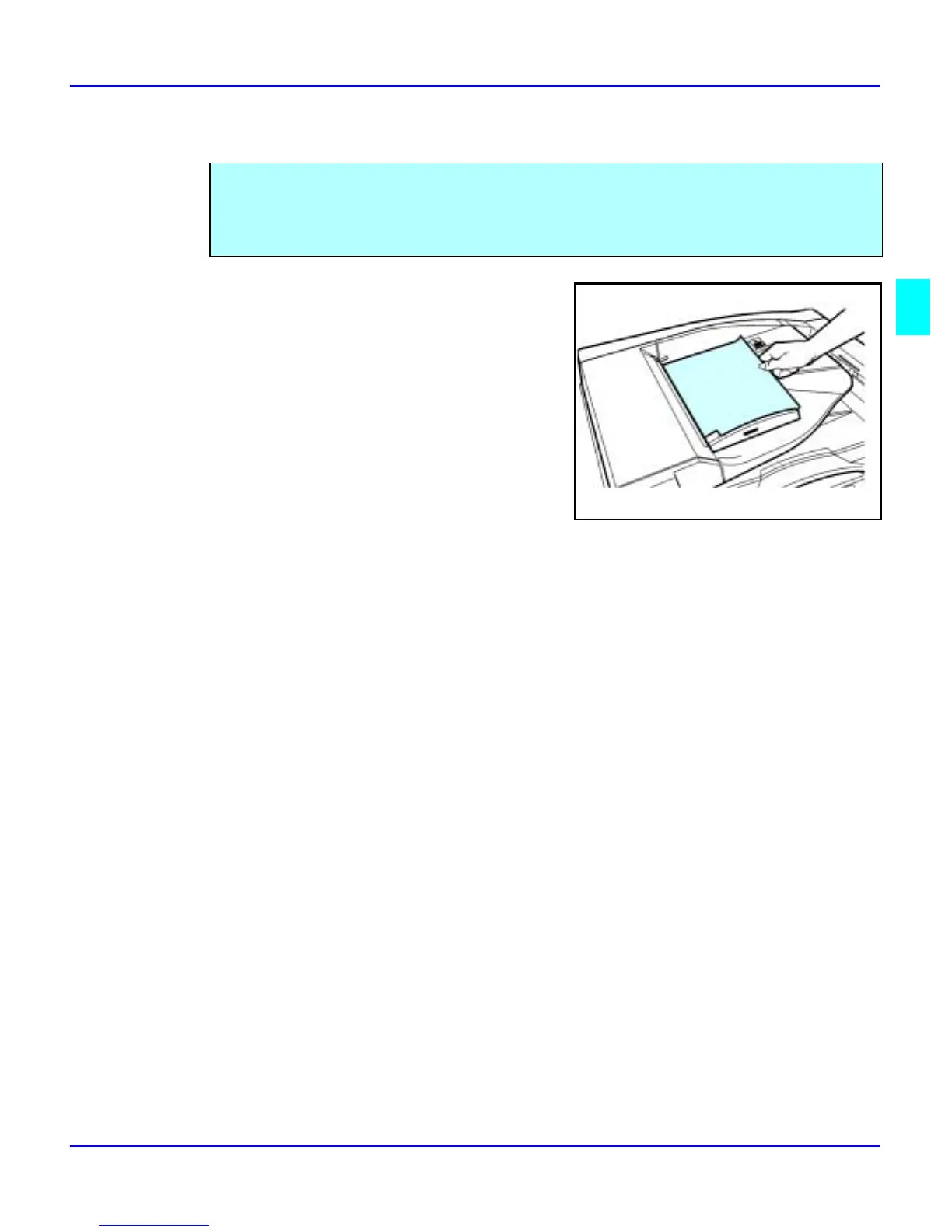
Document Feeder
Copier Functions 3 - 3
RADF - Feeding Stack of Originals
1
When using the RADF, place your originals
face up in the Document Feeder.
2
Adjust the Paper Side Guides to fit the edge
of your originals.
3
Set any additional copier features desired.
4
Press the Start key.
RADF allows you to stack feed up to 50 originals into the Document Feeder by pressing the
Start key one time. If you are feeding single sheets into the Document Feeder, switch the copy
mode to RADF and you will not have to press the Start key for each original. See RADF-
Feeding One Original at a Time, below.



 To Next Page