Selecting Copy Quantities
Copier Functions 3 - 5
Selecting Copy Quantities
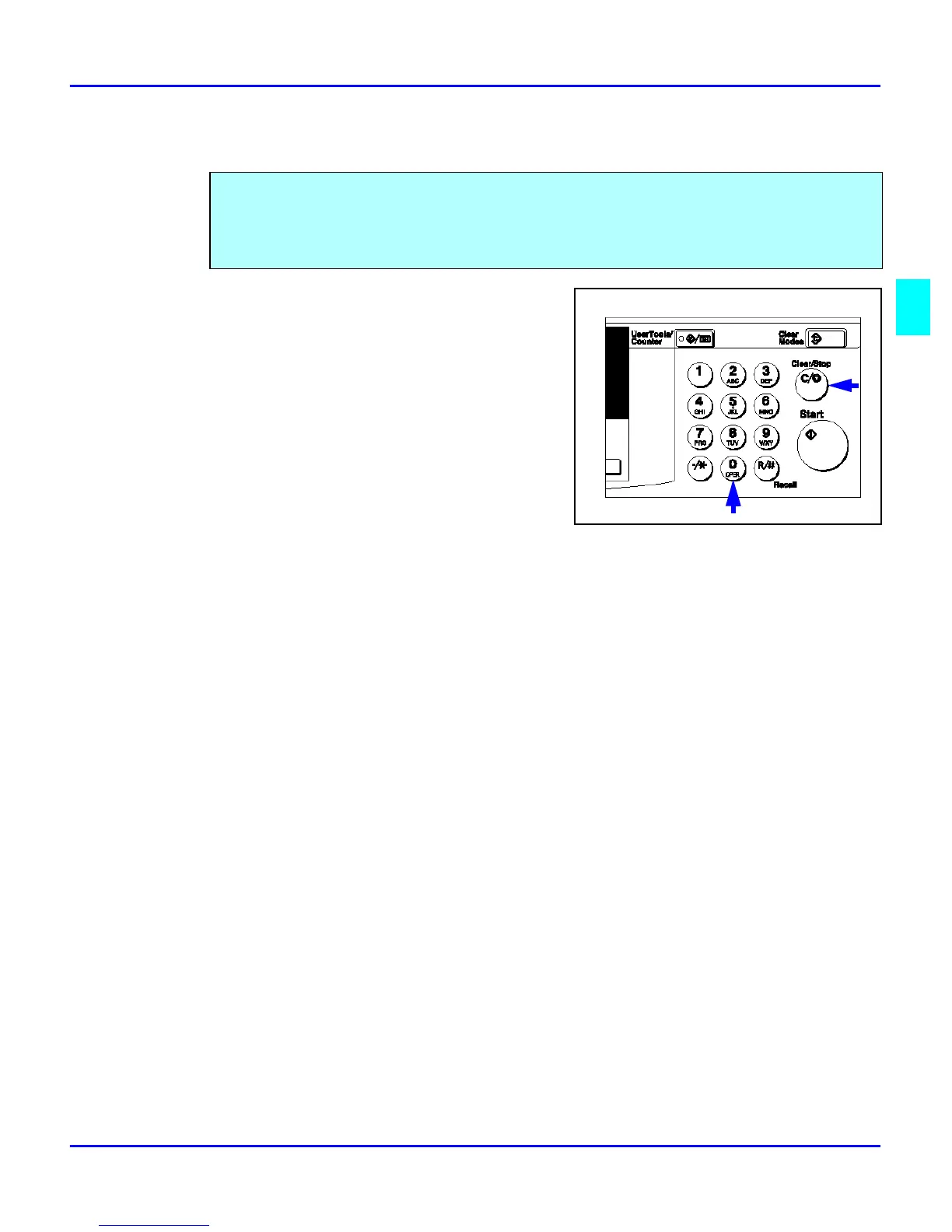
If more than one copy of your original is required,
enter the number of copies you desire using the key
pad.
•
Press the Clear/Stop key to clear an entry
if you entered an incorrect quantity.
•
If no quantity is entered, one copy is
automatically selected by your copier.
The copier automatically selects a copy quantity of one copy.
•
If desired more than one copy, enter the number from the 10-key pad.
•
The maximum copy quantity that you can enter is 99.



 To Next Page