Series Copying
Copying Methods 4 - 11
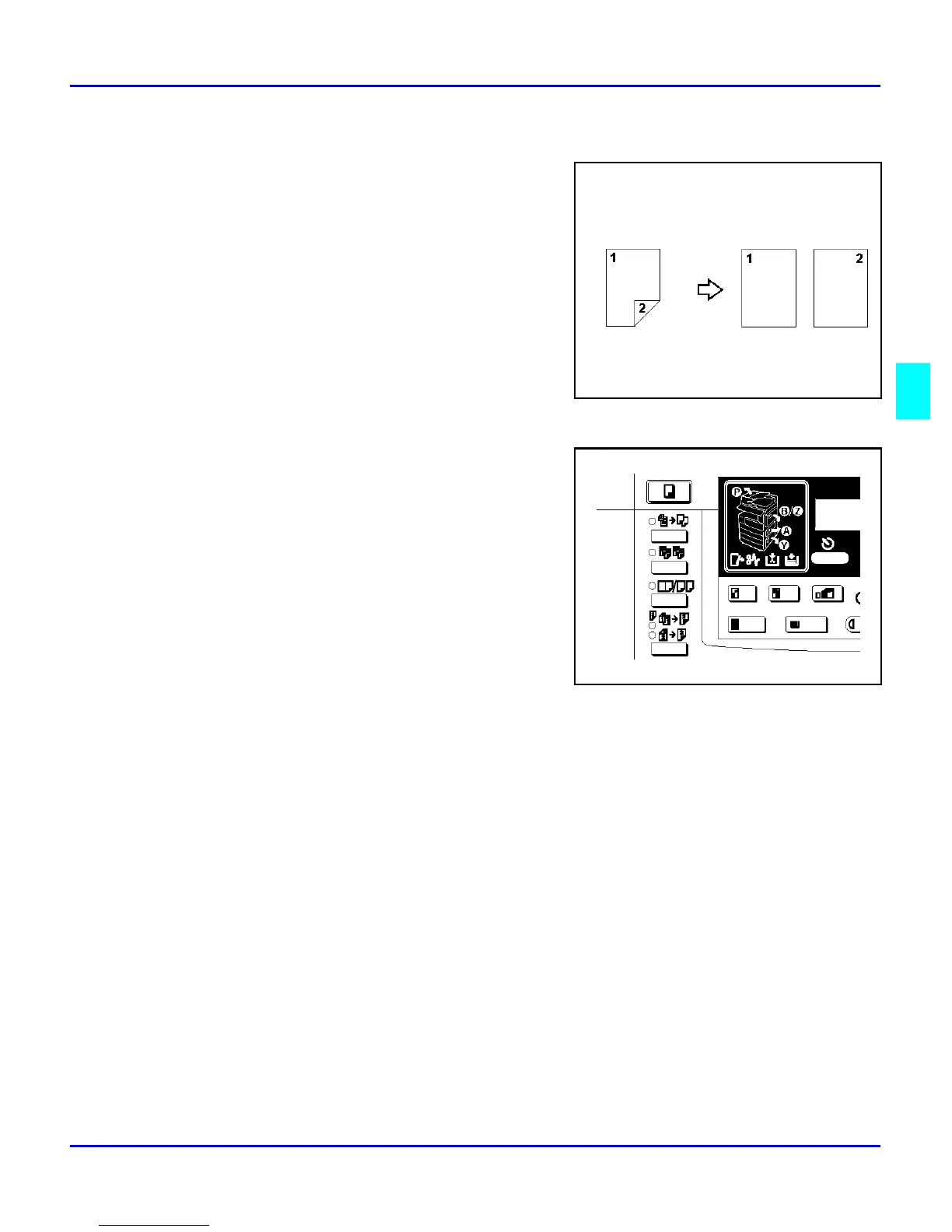
2 Sided to 1 Sided
You can make 1-sided copies from two-sided
originals.
1
Press the Combine/ Series key.
2
Press right Cursor key to select “Series”,
then press the OK key.
3
Press right Cursor key to select 2 sided to 1
sided symbol. Then, press the OK key.
4
Press the Select Paper Tray key until the
paper you desire is displayed.
5
Select the paper orientation when the
“Orientation” is set to “On” in the Copier Features, then press the OK key.
Otherwise, go to step 6
6
Set your originals, then press the Start key.



 To Next Page