Duplex Copying
Copying Methods 4 - 5
2
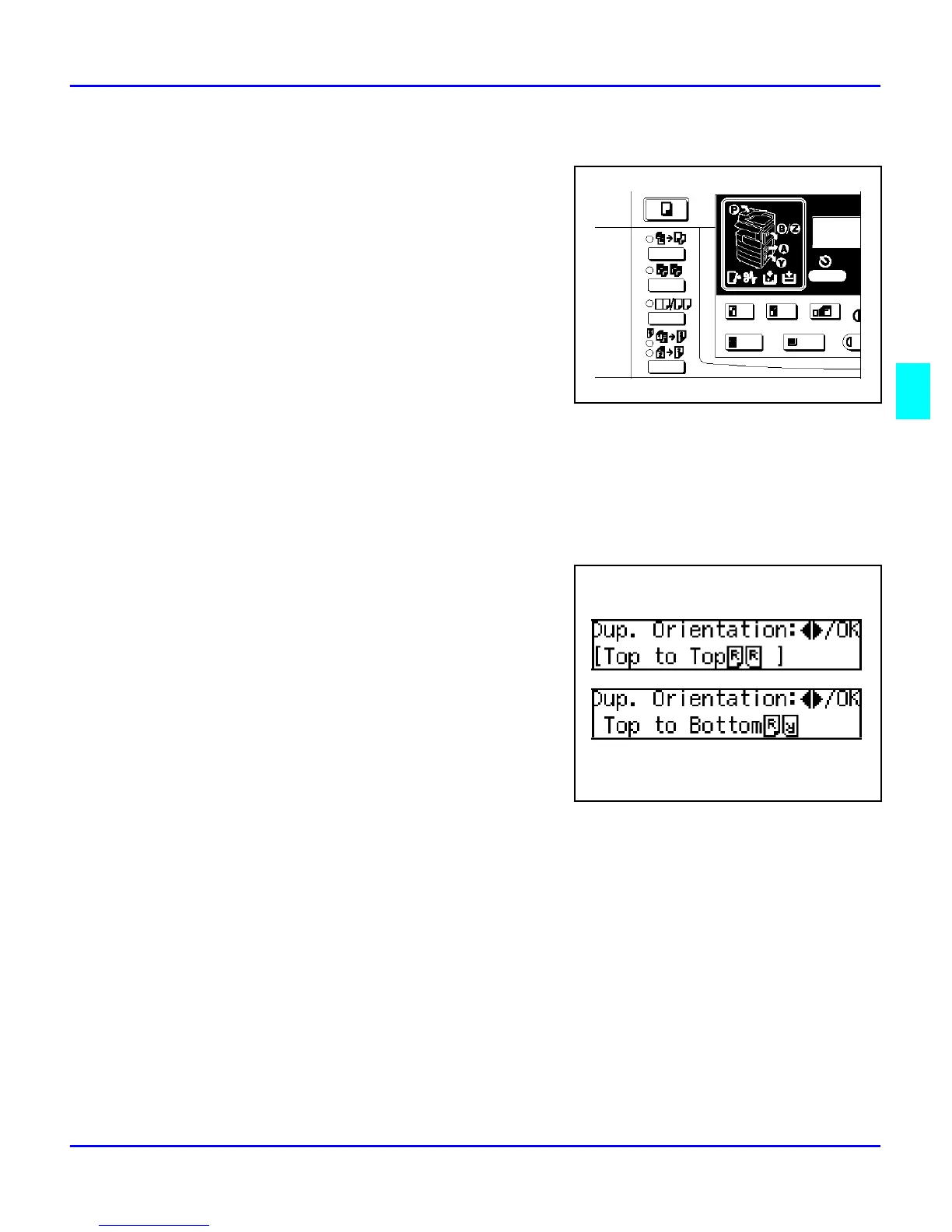
Make sure that “1 Sided to 2 Sided” indicator
is on.
When Setting the Copy Direction
You can select the orientation for the copy paper when you set “Orientation” to “On” in the Copier
Features.
Note: If you do not set the copy direction, “Top to Top” will be selected
automatically.
1. Press the Cursor keys to select the desired
orientation, then press the OK key.
2. Press the OK key.
3. Set your originals.
When Setting an Original on the Exposure Glass or in the Document Feeder
1. Set the original, then press the Start key.
2. Set the next original, then press the Start key.
When Setting a Stack of Originals in the Document Feeder
Set your originals, then press the Start key.



 To Next Page