114 / 134 ECO Gold 09/2021
“HyperTerminal” is no longer part of the operating system in Windows Vista, Windows 7, Windows 8 and Windows 10.
With the LAUDA software “Wintherm Plus” (catalogue number LDSM2002) the RS 232 interface can be ad-
dressed.
In the Internet there are terminal programs available as freeware. These programs offer similar functions as “Hy-
perTerminal” (for example PuTTY). Search for “serial port terminal program”.
19.3.2 RS 232 protocol
Note the following aspects:
The interface operates with one stop bit, no parity bit and with eight data bits.
Transfer speed alternatively: 2400, 4800, 9600 (factor setting) or 19200 baud.
The RS 232 interface can be operated with or without hardware-handshake (RTS/CTS).
The command from the computer must be terminated with a CR, CRLF or LFCR.
The response from the thermostat is always terminated with a CRLF.
After each command sent to the thermostat, it is necessary to wait for the reply before sending another com-
mand. This ensures that the sequencing of inquiries and answers is clear.
CR = Carriage Return (Hex: 0D); LF = Line Feed (Hex: 0A)
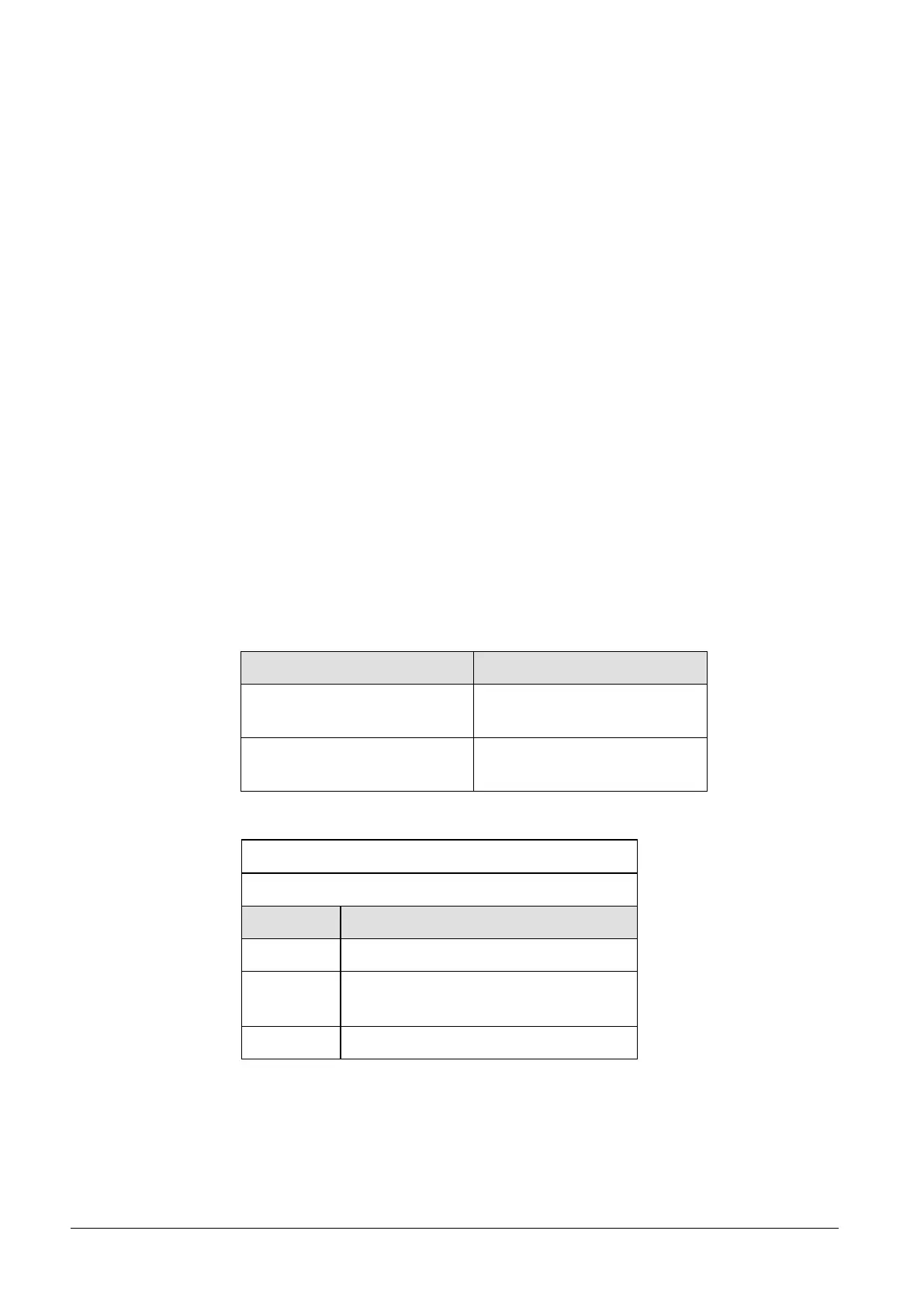
Set-value transfer of 30.5 °C to the thermostat
19.3.3 RS 485 connecting lead
SG (Signal Ground)
optional
Use screened connecting leads. Connect screen to the plug housing.
The wires are electrically isolated from the rest of the electronics.
Non-assigned pins should not be connected.



 To Next Page