21
Co ve r f or DBSca r
diagnostic connector
holder
Remove the cover and connect the DBScar
diagnostic connector to the holder for reading
vehicle data
.
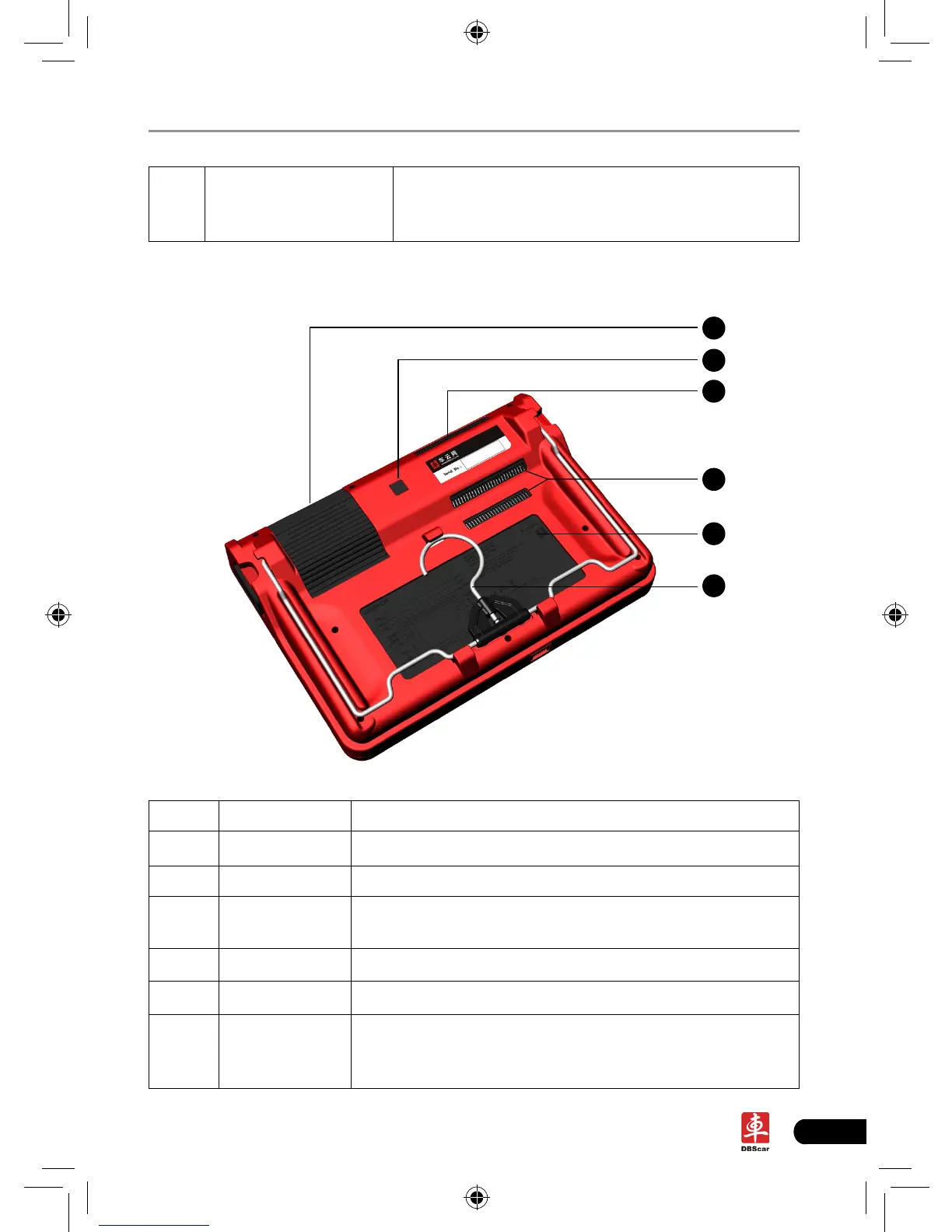
2.1.2 Rear view
22
23
24
25
26
27
Table 2-2 formulates interfaces and indicators of X-431 PAD(rear)
No. Name Descriptions
22 Printer To print the result out
23 Camera lens To take photos or record video
24
Buzzer & air
intake vent
25 Air vent To exhaust heat to ensure a normal temperature.
26 Battery 7400mAh lithium polymer battery
27 Hook/stand
Use fingers to lift the hook up, then hang it on the
target object; To place it on a desk, unfold the hook as
an stand to support X-431 PAD.














 To Next Page