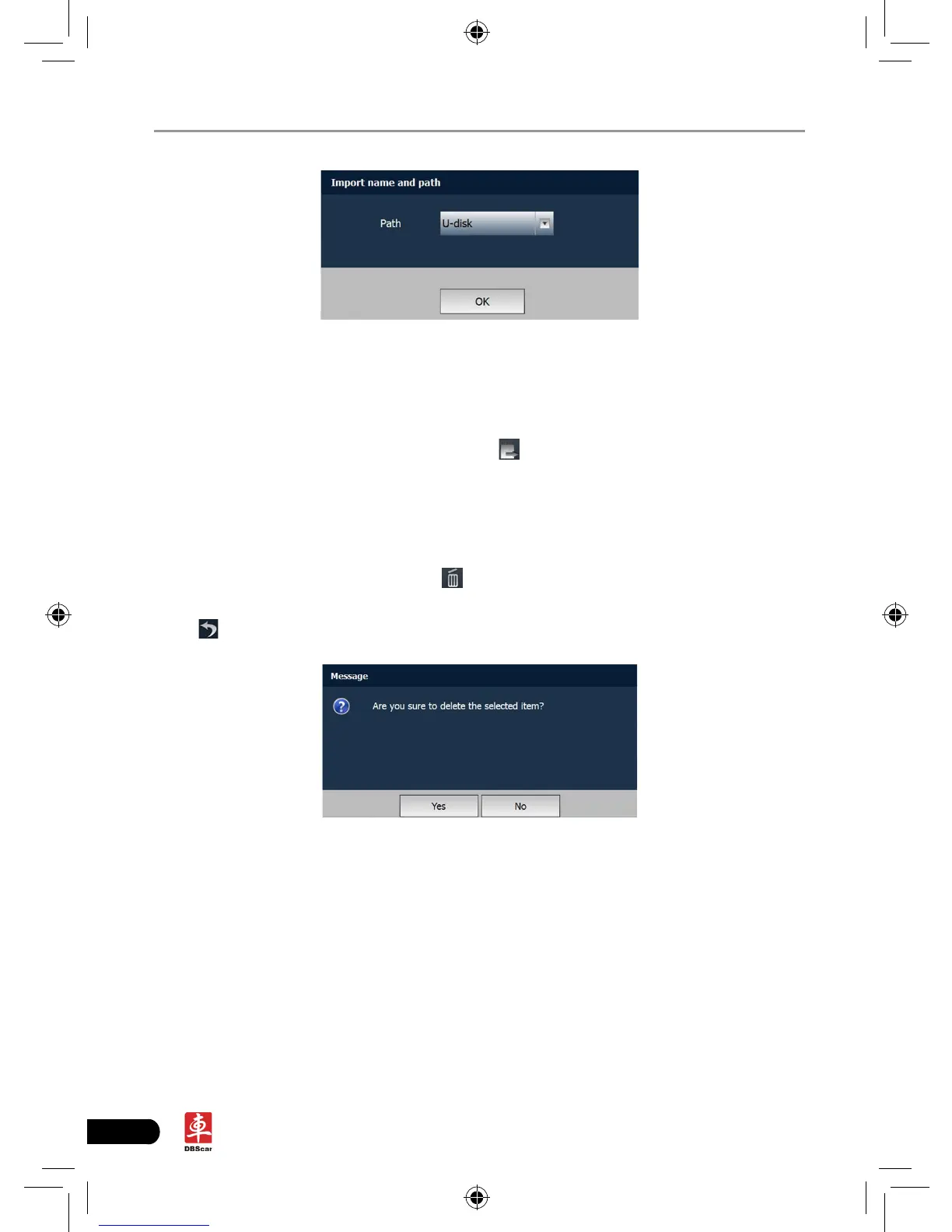
Fig. 9-2
9.3 Export data
Take “Image/Video” as example to present how to export data.
Click [Check] to select all items, then click
, a dialog box will appear.
Click the
triangle next to the path and choose the target path that you want to save, then
click [OK] to export the selected le.
9.4 Delete data
Choose the desired item and click to enter Fig. 9-4. Click [Yes] to delete it;
click [No] to cancel it.
Click
to exit the application.
Fig. 9-4














 To Next Page