8 Update
X-431 PAD provides quick and easy software update service, by which you can
enjoy all update services including download and update the software.
Note: Enter the update center, vehicle software which can be updated are
default to be checked, you can click [Upgrade] to perform one-key update. You
can also click [Opt] to select all or deselect all.
8.1 Register
To operate this device, you have to experience a product registration. After
entering the function modules, a service terms screen will appear. After reading
all items, click [Agree], a registration page will appear automatically and once
registering is complete, this page will never appear again.
Note: Before registering, please check you network configuration or Wi-Fi
connection.
8.1.1 Register a pass
A. In case you have no pass
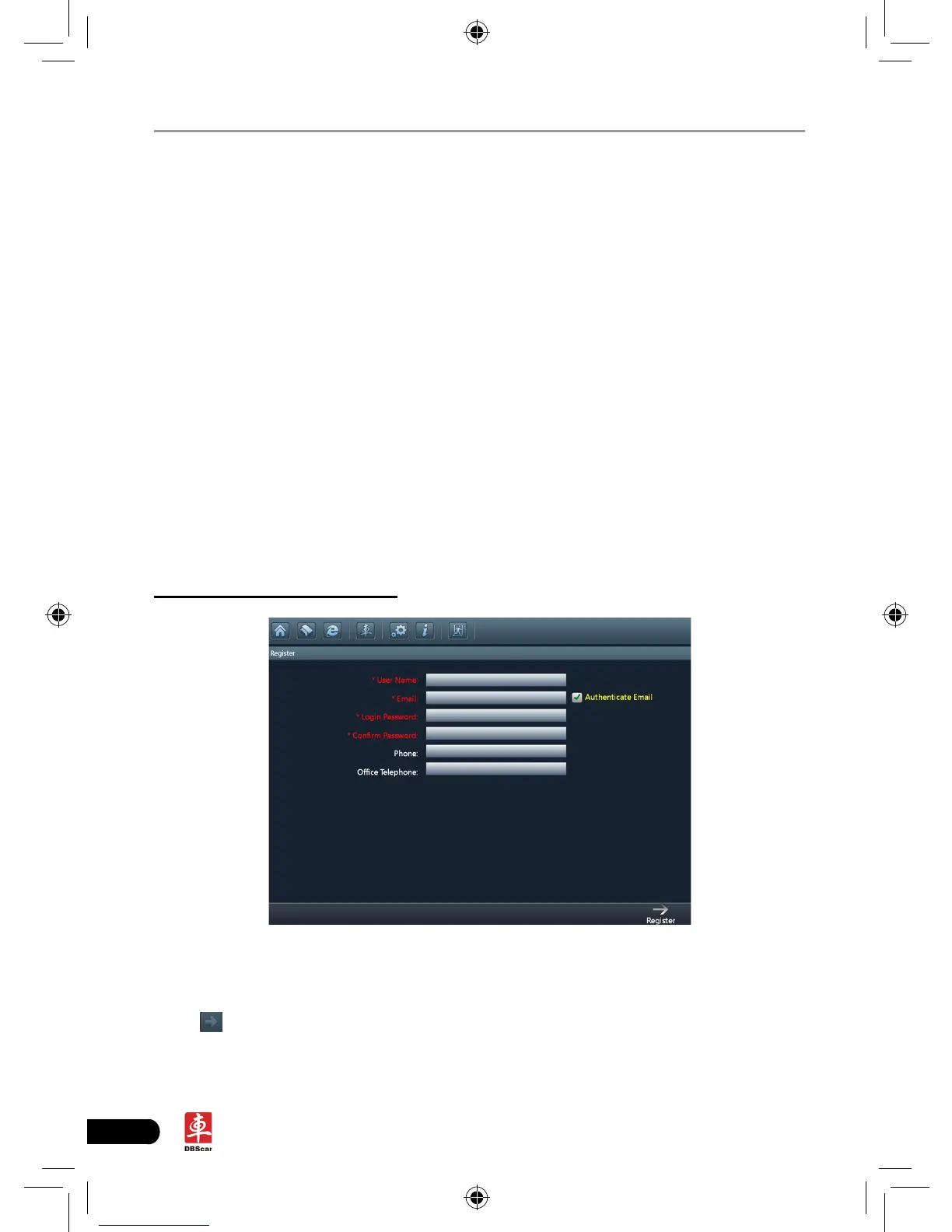
Fig. 8-1
Click the input box (items with * must be filled), use the on-screen keyboard
to input user name, valid Email, Email login password and conrm password.
Click
to turn to the next page to input more information. After nishing, click
[Register] to register.
After you registered successfully, the system will offer you a CC number. See














 To Next Page