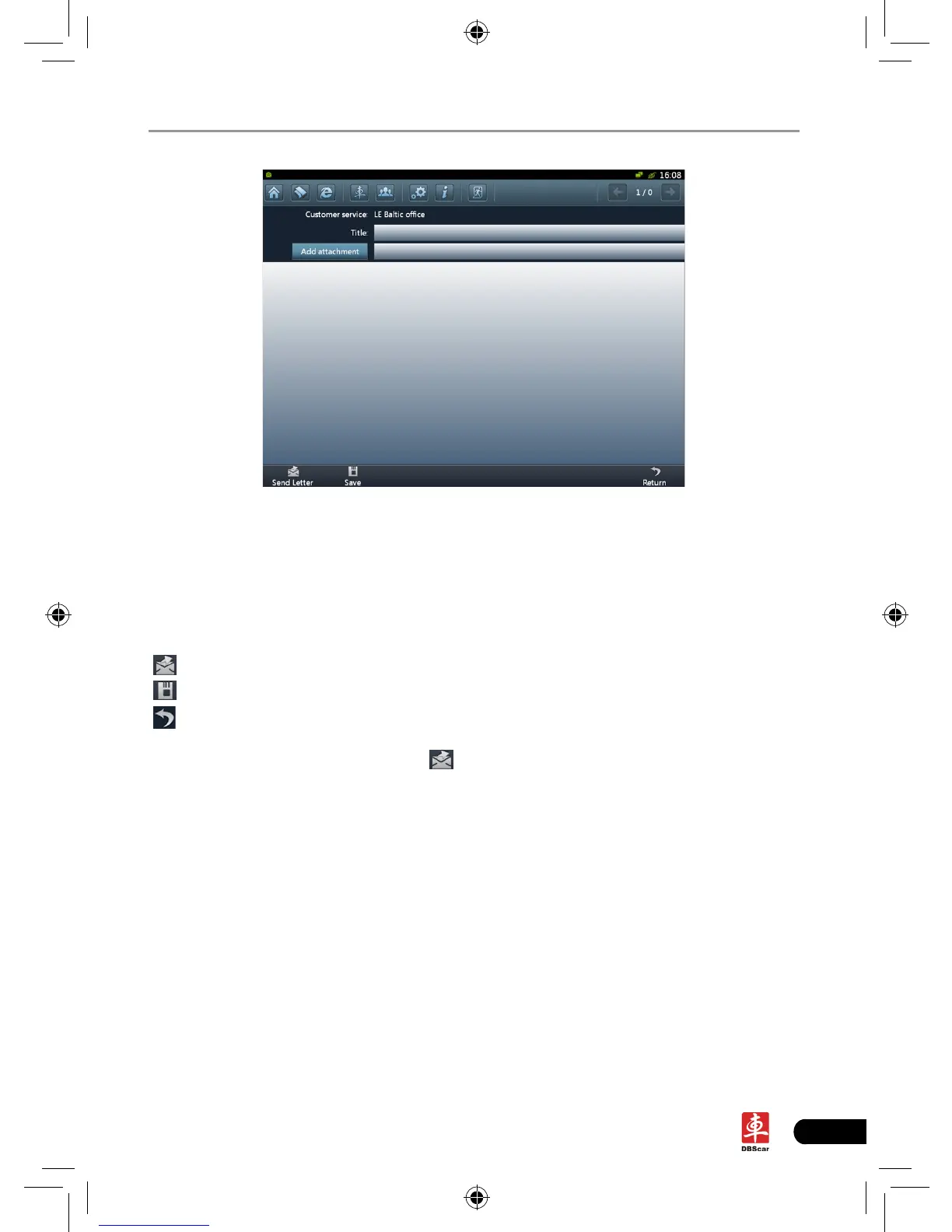
Fig. 7-2
Click title or content edit box, the on-screen keyboard will appear automatically,
use it to input or write down the title and contents by stylus manually.
Button descriptions:
[Attachment]: click to add an attachment.
[
]: send the mail.
[
]: save a mail that is not nished or will be sent later.
[
]: return to the previous screen.
When a new mail is nished, click [
].
If the mail is sent out successfully, a prompt message will pop up. If the mail fails
to send out, a dialog box will appear on the screen. Click [OK] to send the mail
again, or click [Cancel] to cancel sending.














 To Next Page