5 Photograph/Video
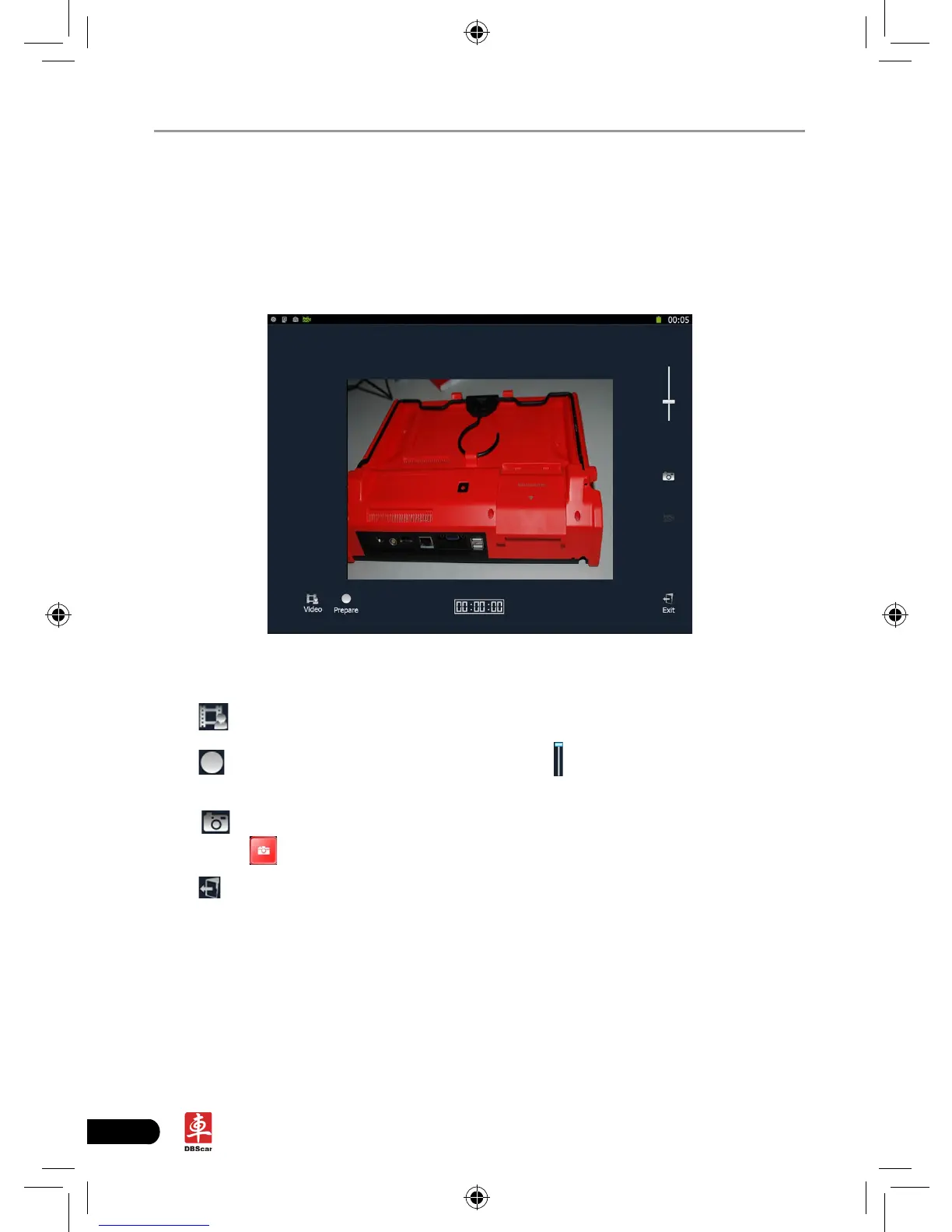
X-431 PAD is equipped with a 2 mega pixel lens for your photographing and
video recording.
Click [Video], the screen will enter video recording interface as shown in Fig. 5-1.
Fig. 5-1
Click to view all recorded video les. See Fig. 5-2.
Click
to start recording. While recording, drag scroll bar to adjust the screen
size.
Click
to switch to camera mode. See Fig. 5-3. (In video mode, you can
also press
directly on the X-431 PAD to enter photograph mode.)
Click
to exit the program.














 To Next Page