A
B
C
D
E
F
Fig. 5-2
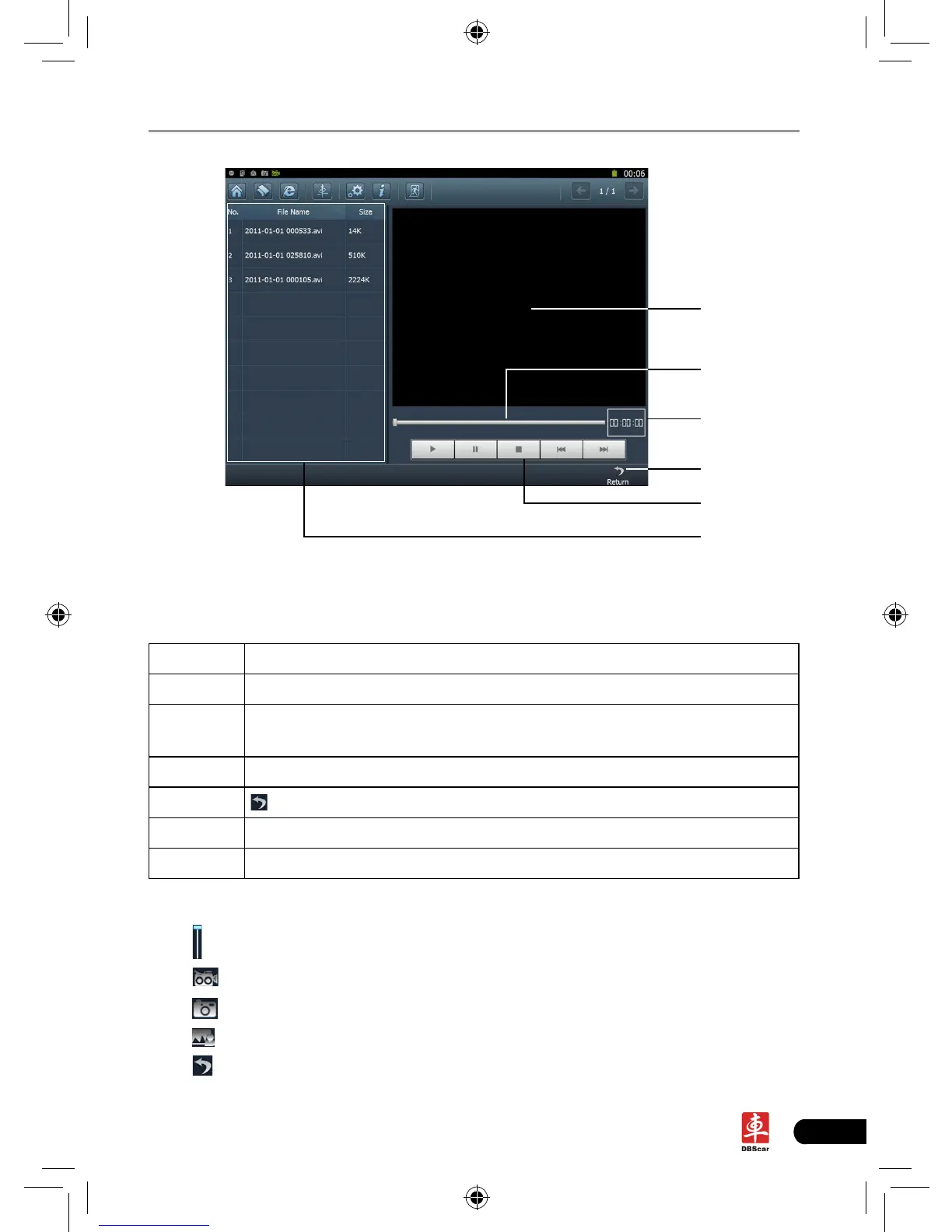
Below are detailed descriptions on layout and functions on Fig. 5-2.
Icon Name & Functions
A Playback window
B Playback progress bar: drag it directly to perform fast forward/fast
reverse function.
C Playback time
D
Return: return to the previous screen.
E Playback control buttons: controls the progress of playback.
F Video le name display area
In photograph mode,
Drag
scroll bar to adjust the screen size;
Click
to switch to video mode;
Click
to take a picture;
Click
to view all photos that has been already taken. See Fig. 5-4.
Click
to exit the application.














 To Next Page