Keys Name Functions
Delete
Place the cursor next to the character,
and click this key to erase it.
Hide keyboard Click it to hide on-screen keyboard.
Conrm
the key that causes a carriage return or
line feed.
Space Input a space.
Handwriting Switch to handwriting mode.
Number/symbol
toggle key
Toggle between number and symbol
input mode.
Caps
Toggle between uppercase/lowercase
letters
2.4.3 Settings
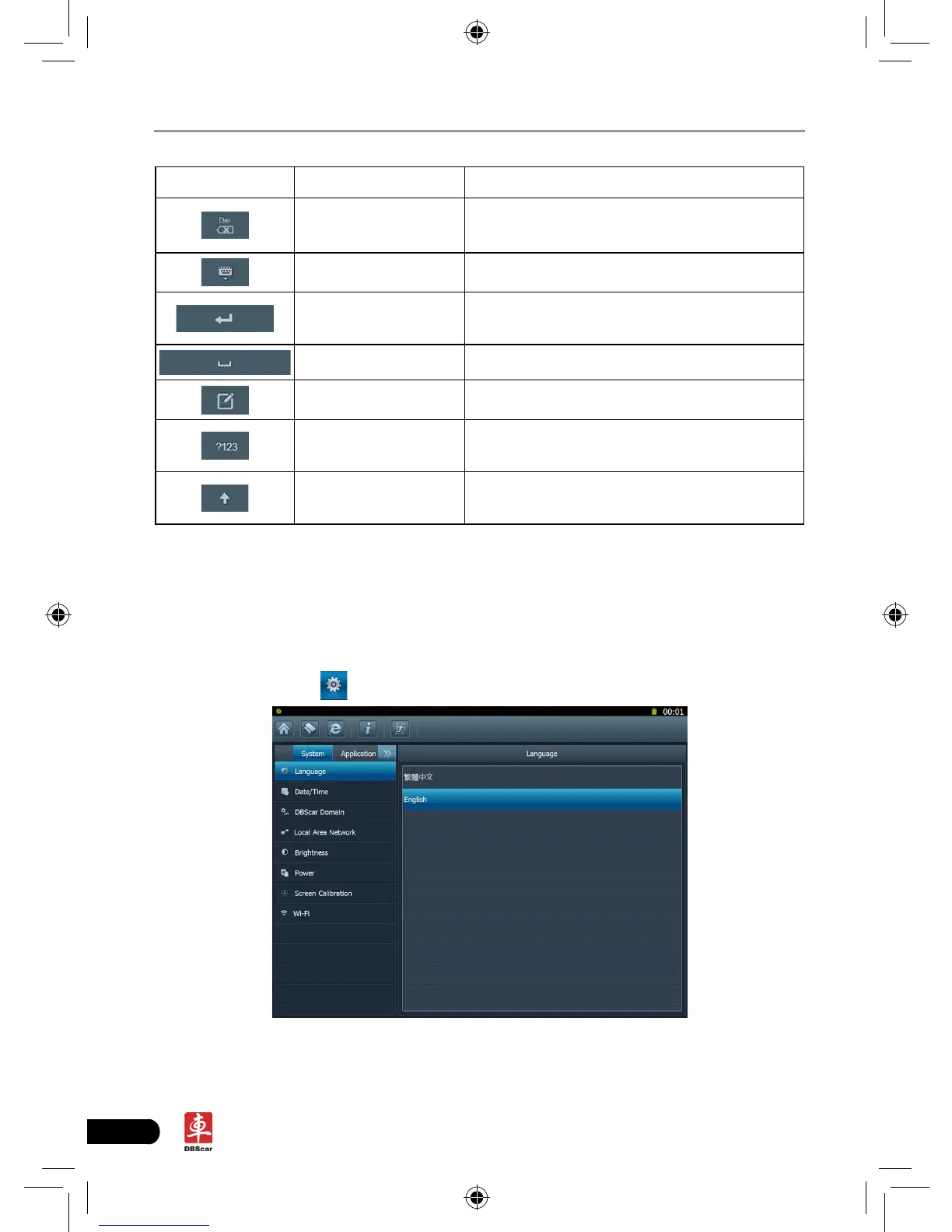
It includes system settings and application setting. Language setting, Date/Time,
DBScar Domain, Local Area Network, Brightness, Power, Screen Calibration and
Wi-Fi setting are available in system setting, while application settings provide
some settings related to applications.
In main menu, click [
Settings] to enter setting interface, similar to Fig. 2-7.
Fig. 2-7














 To Next Page