1. Language setting
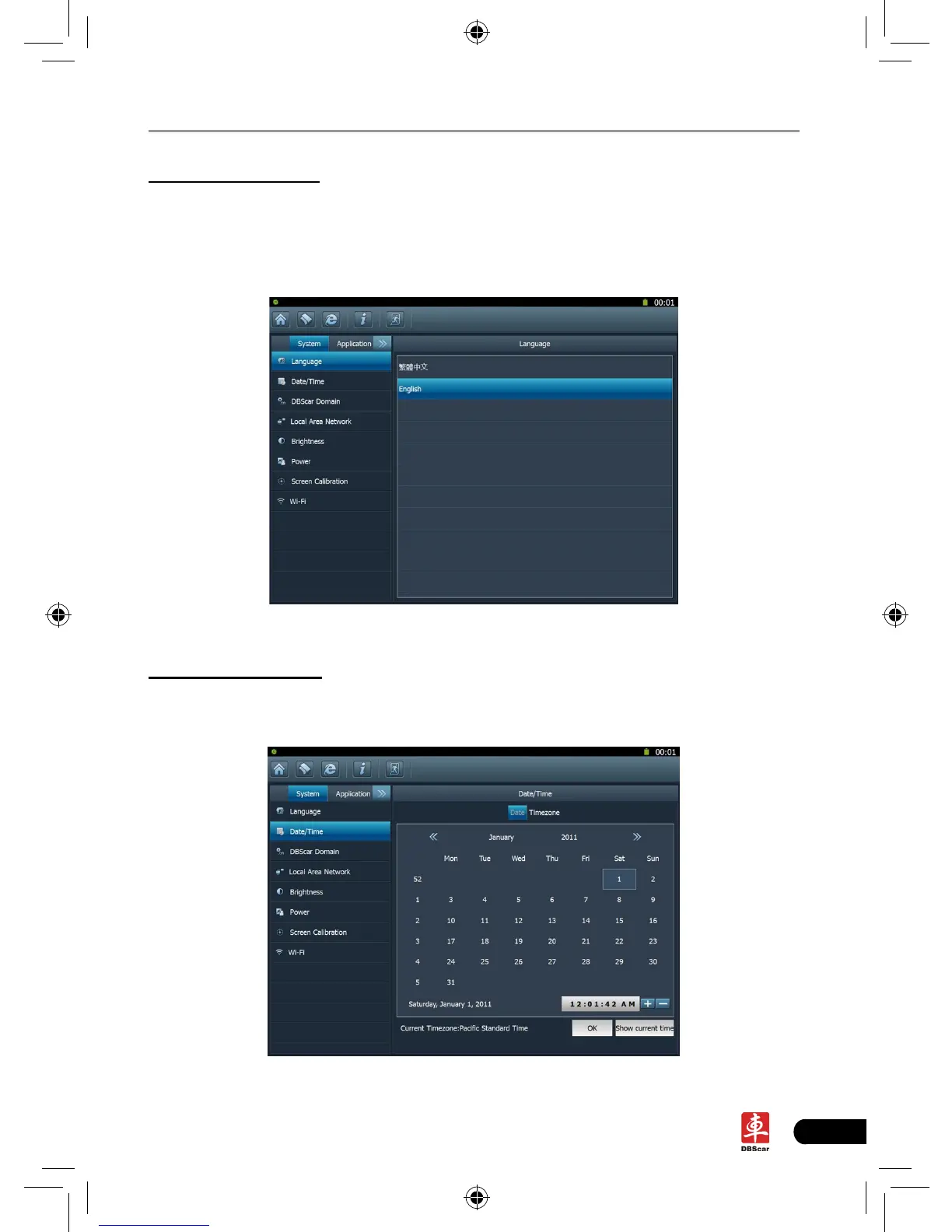
This items enables you to change the system language. Traditional Chinese and
English are available.
In Fig. 2-8, click on your preferred language, the system will prompt you that
language has been changed, please close the application and then restart it.
Fig. 2-8
2. Date/Time Setting
This option can be used to set the system date, time and time zone.
Click “Data/Time”, the screen will appear as Fig. 2-9.
Fig. 2-9














 To Next Page