In Fig. 3-9, there are four functions of [Engine]: “Read trouble code”, “Clear
trouble code”, “Read data stream” and “Special function”.
3.3.1 Read trouble code
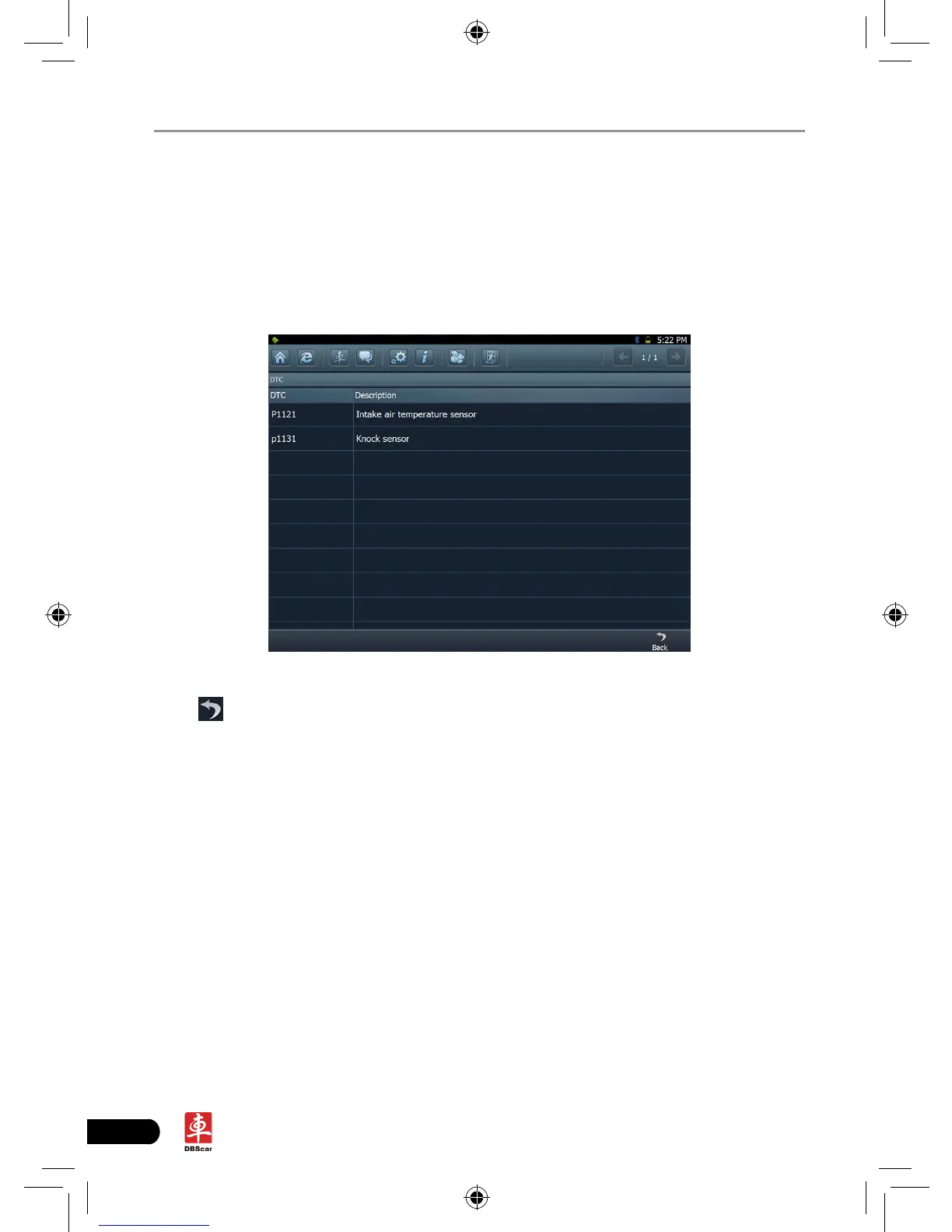
Click [Read trouble code] in Figure 3-9, X-431 PAD starts executing this function.
After testing, results will appear on screen, as shown in Figure 3-10.
Fig.3-10
Click
to return to the previous screen.
If the tested system has no DTCs, a message will appear on the screen,
indicating that there are no DTCs in the system.
3.3.2 Clear trouble code
Click [Clear trouble code] as shown in Figure 3-9, all existing trouble codes will
be cleared.














 To Next Page