4 Web
browser
Browser is available on X-431 PAD, which helps you retrieve and search for
information sources all the time.
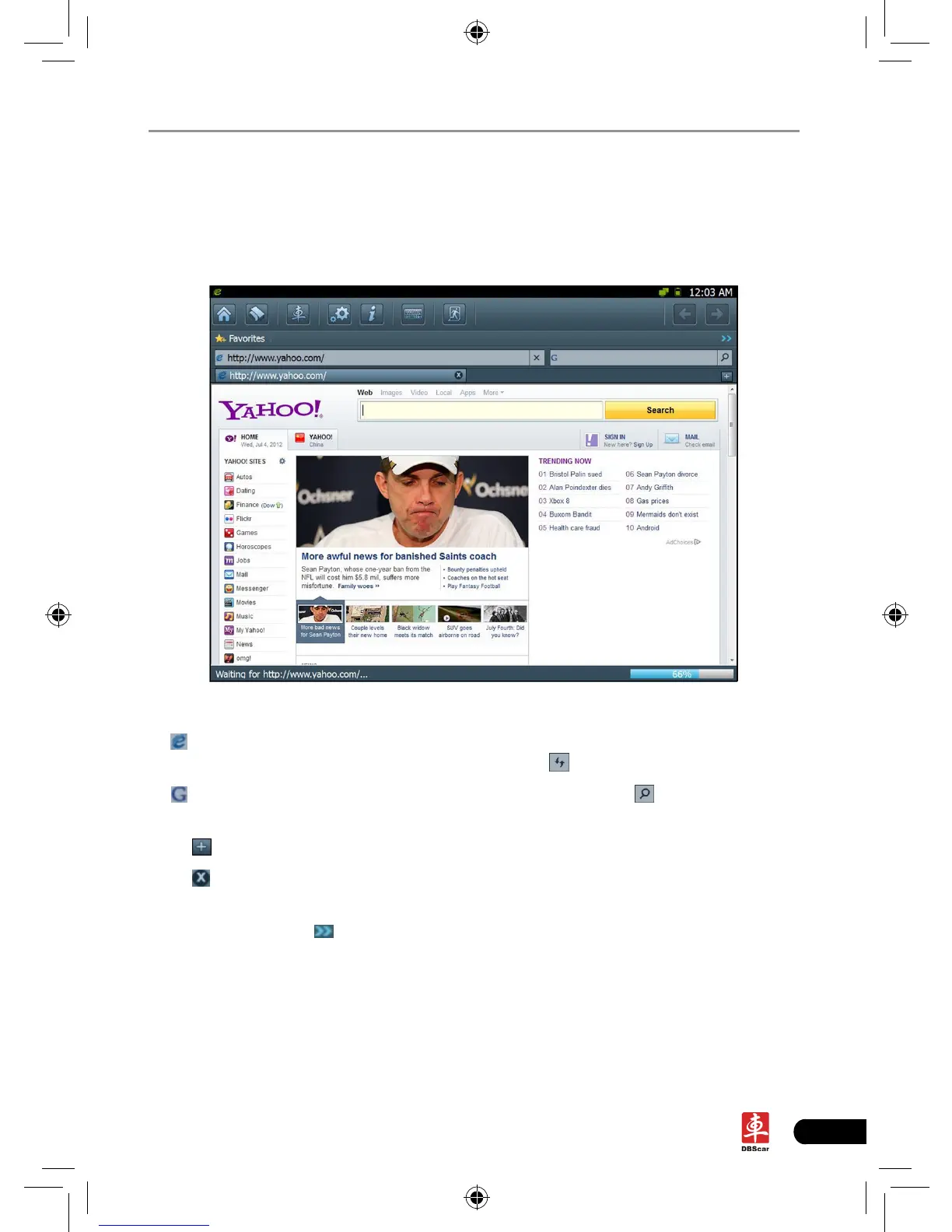
Click [Webbrowser] to enter.
Fig. 4-1
In
address bar, use the on-screen keyboard to input the Uniform Resource
Identier (URL) of the desired resource, and click to visit it. See Fig. 4-1.
In
search bar, input the desired information and click to search it with
google search engine.
Click
to open a new blank page.
Click
to close the page.
Click Favorites to bookmark the web pages so that the user can quickly return to
them in future. Click
to view and maintain the favorites.














 To Next Page