2.4 Getting to know X431 PAD
2.4.1 Powering on X-431 PAD
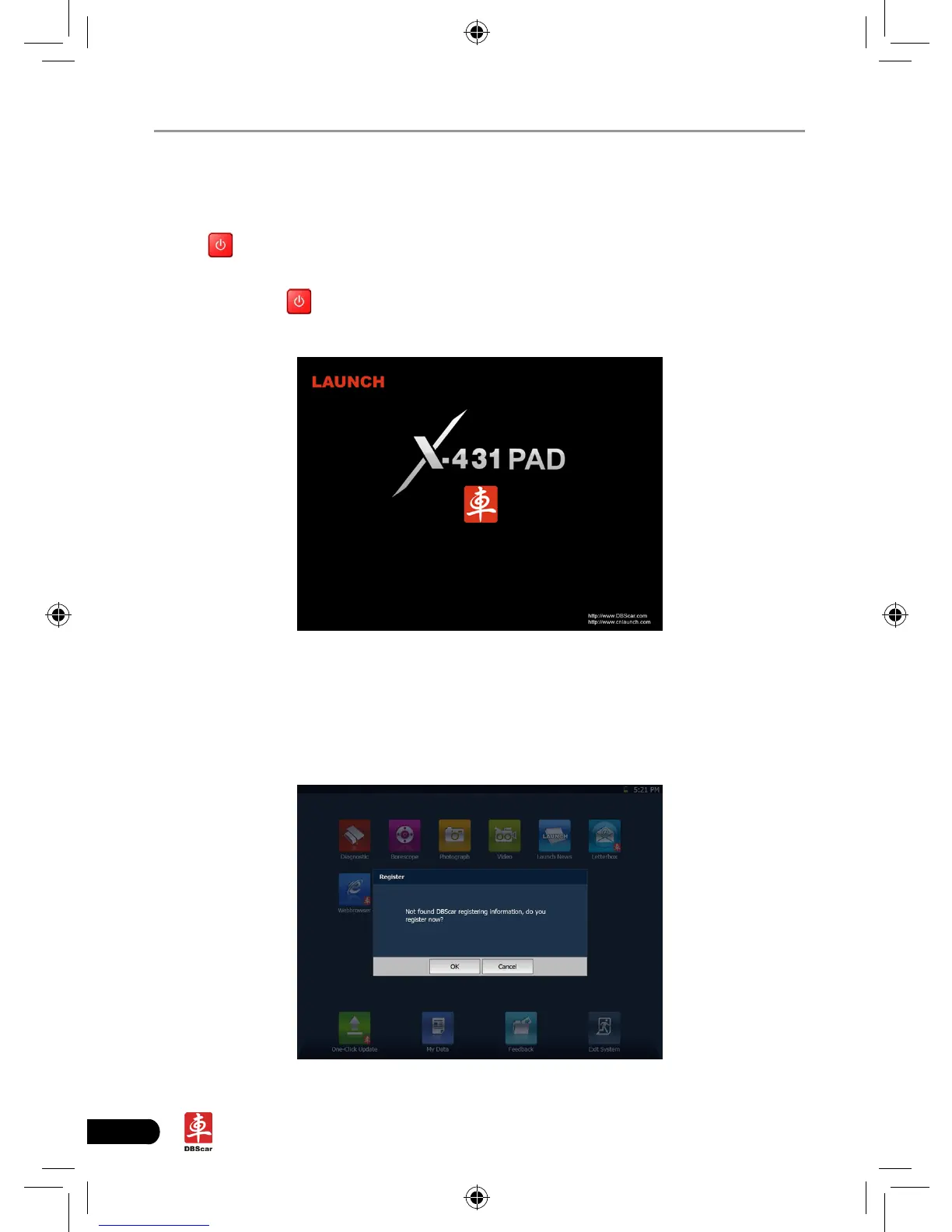
Press on the X-431 PAD to turn it on, the screen will begin to initialize, as
shown in Fig.2-3.
Note: Pressing
for 8 seconds can power it off. Doing so is not suggested,
please click "Exit system" on the main menu to turn it off.
Fig. 2-3
After the system completes initializing, the main menu shown as Fig.2-4 will
appear on the screen. To register, click "OK" to enter registration interface(For
detailed on how to register, please refer to Chapter 8 Update. If you have
registered, this dialog box will not appear.); click "Cancel" to register later and it
will enter the main menu screen.
Fig. 2-4














 To Next Page