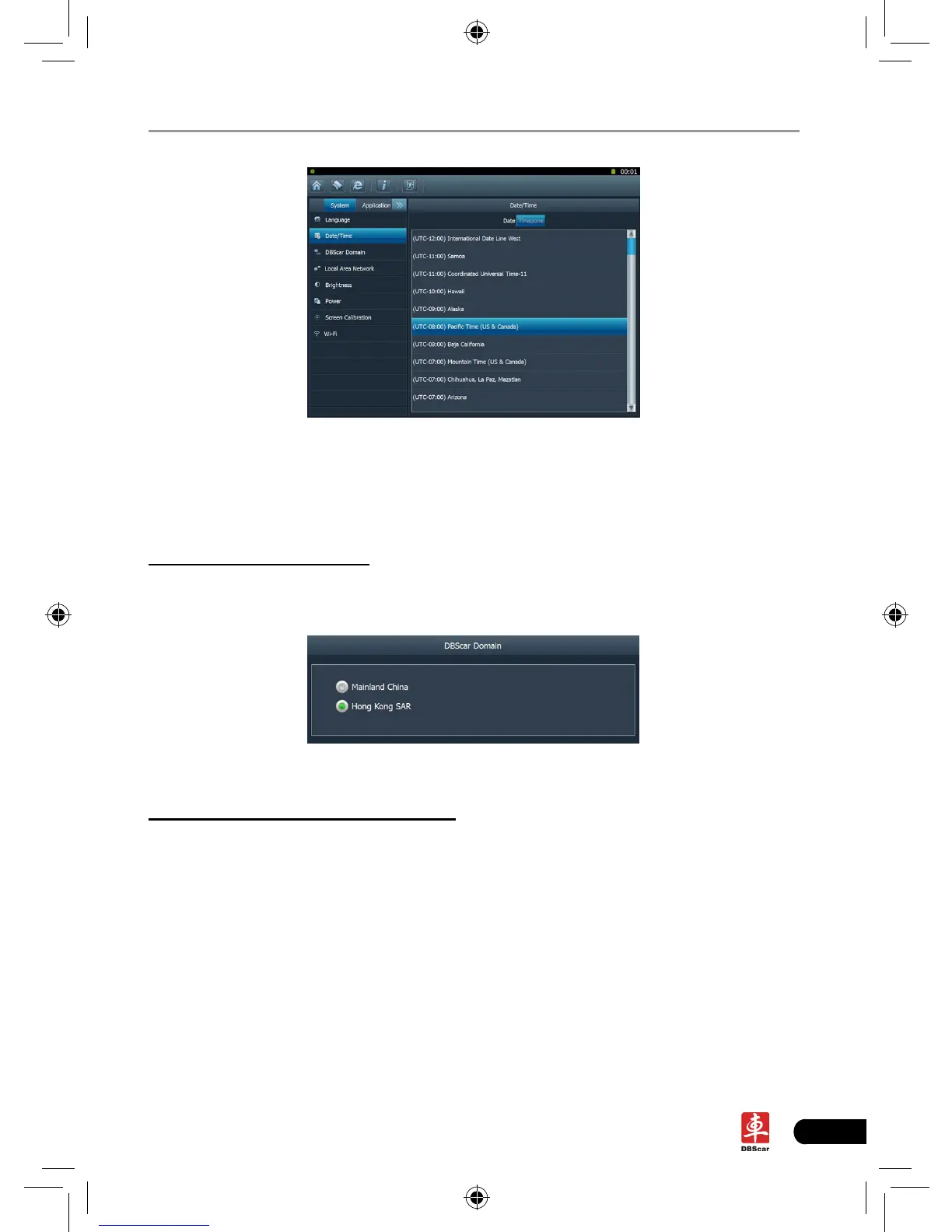
Fig. 2-11
Click the desired time zone, then click [Date] to switch to date setting screen,
the time zone you have set will be displayed on the bottom of the screen and the
system time varies with the time zone.
3. DBScar domain setting
This option provide two DBScar domains for your selection. Users can choose
the different domain according to your actual network status.
Fig. 2-12
4. Local area network conguration
Click “Local Area Network”, the screen will be shown as Fig. 2-13.














 To Next Page