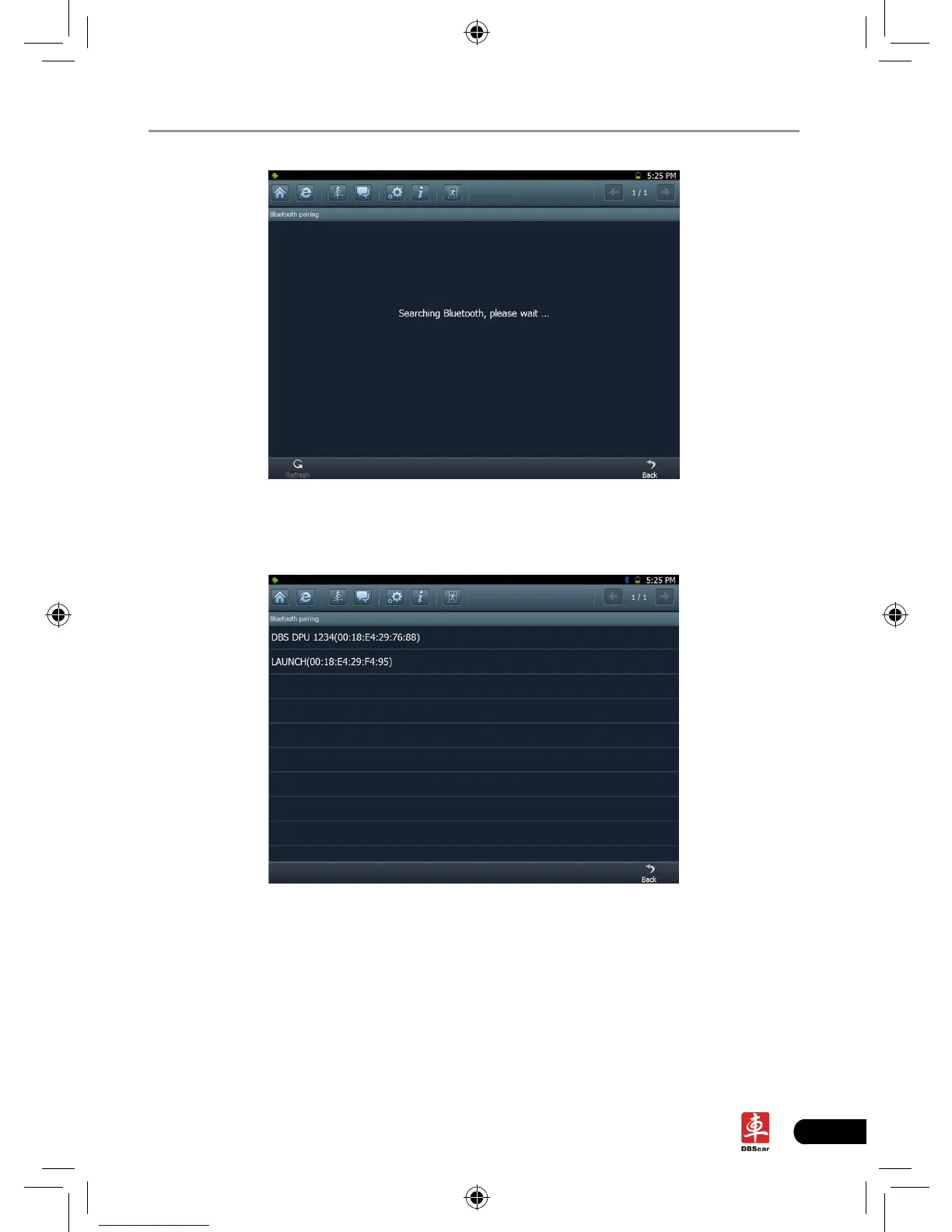
Fig. 3-5
After searching, a list of bluetooth devices will be shown on the screen. See
Fig.3-6.
Fig. 3-6
Click the desired bluetooth device, the system will display “Pairing bluetooth,
please wait...”. If ok, “Pairing bluetooth succeed! Searching port, please wait...”
will be shown on the screen. Click [Back] to return to the previous screen. After
linked, the system will enter vehicle selection interface if the included DBScar
diagnostic connector is chosen.














 To Next Page