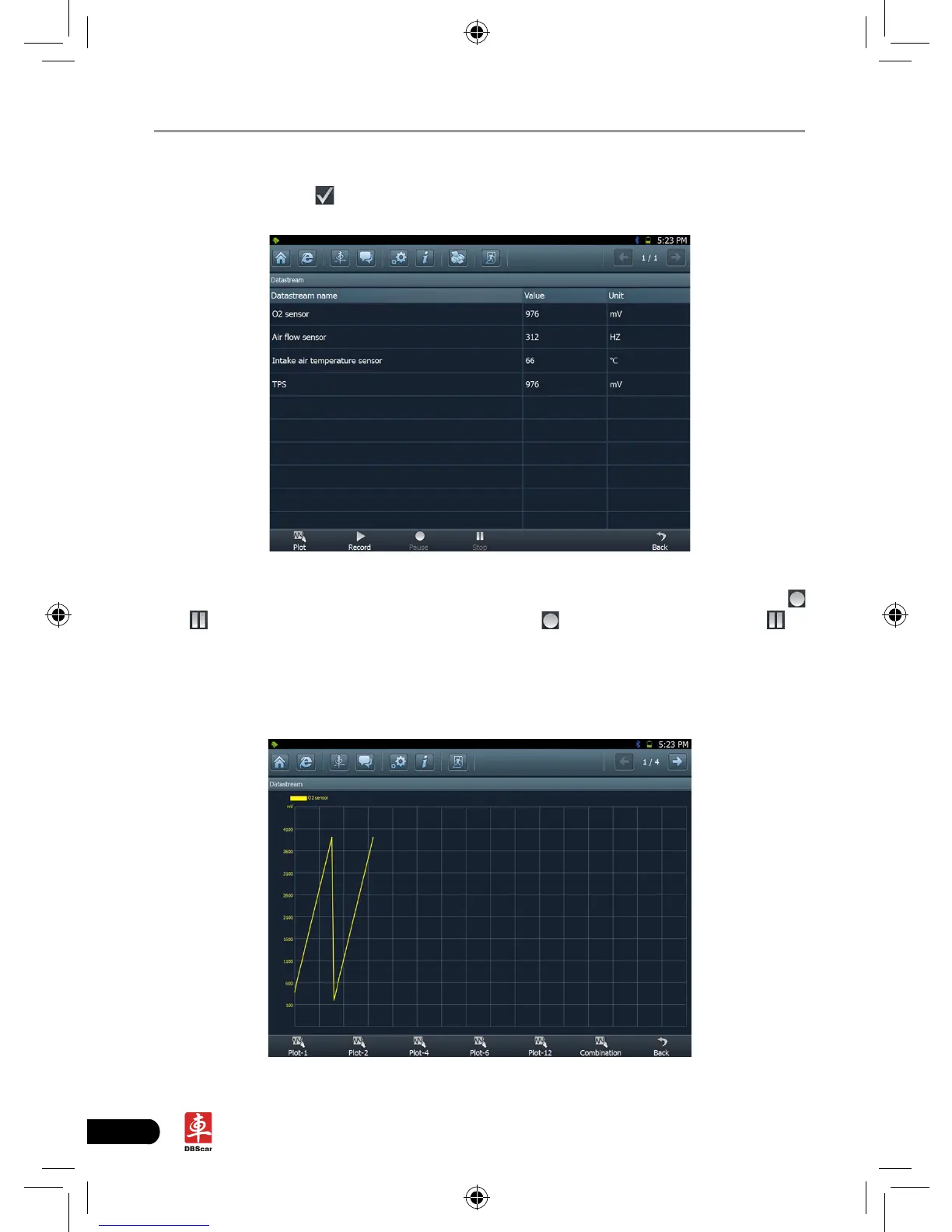
Click to select the desired datastream item (more datastream items can be
chosen), then click , dynamic data of the selected datastream will appear on
screen, as shown in Figure 3-13.
Fig. 3-13
To view the dynamic waveform of the selected datastream, click [Record] (
and will become active) in Figure 3-14. Click to pause recording; click to
stop recording. (To view the recorded datastream, refer to “3.3.5 Driving record
management)
Click [Plot] in Fig. 3-13, the waveform of O2 will be displayed on the screen, as
shown in Fig. 3-14.
Fig. 3-14














 To Next Page