PAGE 11
Function mode times-out after a few seconds if no other button is pushed. Alternately,
function mode can be cancelled by pressing the Func button again. In either case, when Function
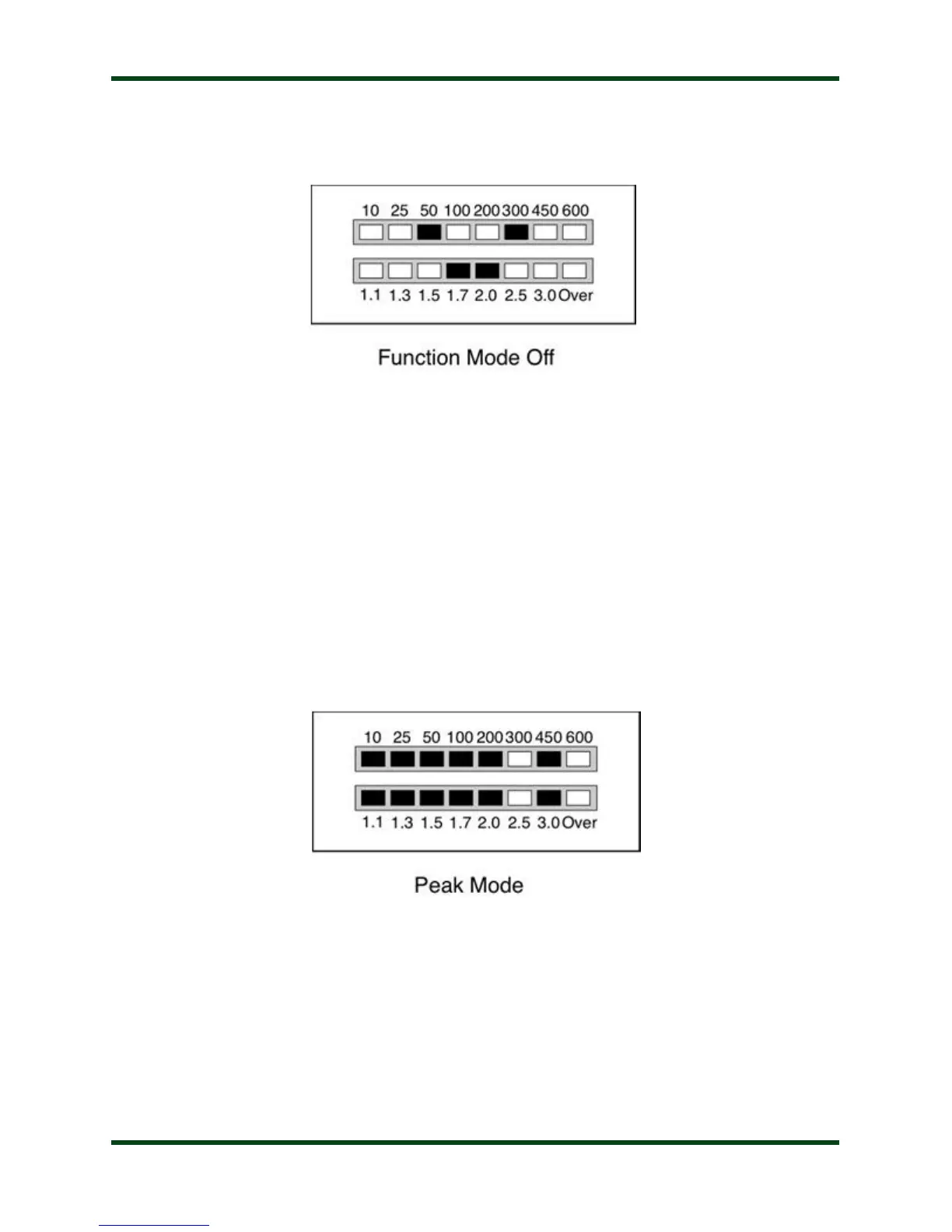
mode is exited, a “down arrow” is displayed on the LED display:
Peak Mode On/Off: The Power display on the LED bargraph can display either average
power or peak forward power, in watts. Average mode is suitable for 100% duty cycle modes
such as FM, RTTY, or PSK. Peak mode is more useful on modes with varying duty cycle such as
SSB or AM. The factory default is average mode.
To toggle between power display modes, press Func -> C Up (Press and release Func, then
press and release C Up). Peak mode is indicated by a falling meter display, with the highest
power shown as a steady LED while the remaining LEDs fall back to zero. Average mode shows
the same display, but without the steady LED showing. Press Func -> C Up repeatedly to toggle
between Peak and Average modes.



 To Next Page