14 PIR II User manual - NE41 19003-00 v1.2
6.2 Bypass
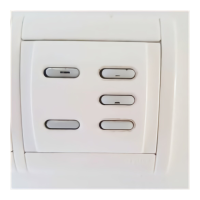
When the personnel leaves the room aer a visit they
have to push the ON-button (S6). The unit is then
inactive during a period of time to let the person
open/close the door (default is 15 seconds) without
triggering an alarm.
6.3 Conguration
DIP Setting
1 OFF (Conguration with DIP-switches).
2 N/A
3 ON (IDA function is activated).
4 ON or OFF, see “13.4 DIP4 - IDA, exit alarm delay”.
5 N/A
6 ON (Alarms are visually indicated).
7 ON (Movement detection is visually indicated).
8
ON or OFF, see “13.8 DIP8 - Disable OFF button (S5)/Alarm
delay”.
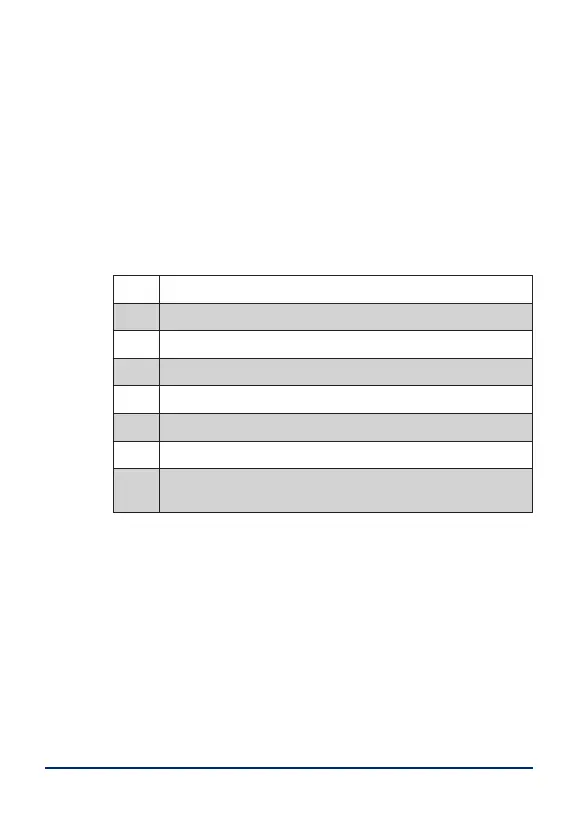
Table 4. DIP-settings for IDA.
7 Pairing
To pair a PIR II with a radio unit, e.g. a NOVO, start
pairing in NOVO and activate PIR II by pressing the
Function button S1.
8 Inactivity alarm
The inactivity alarm is not enabled by default and re-
quires computer conguration with the PIR Program-
mer, see PIR II Technical Handbook - NE41 19005-02.


 To Next Page
 Loading...