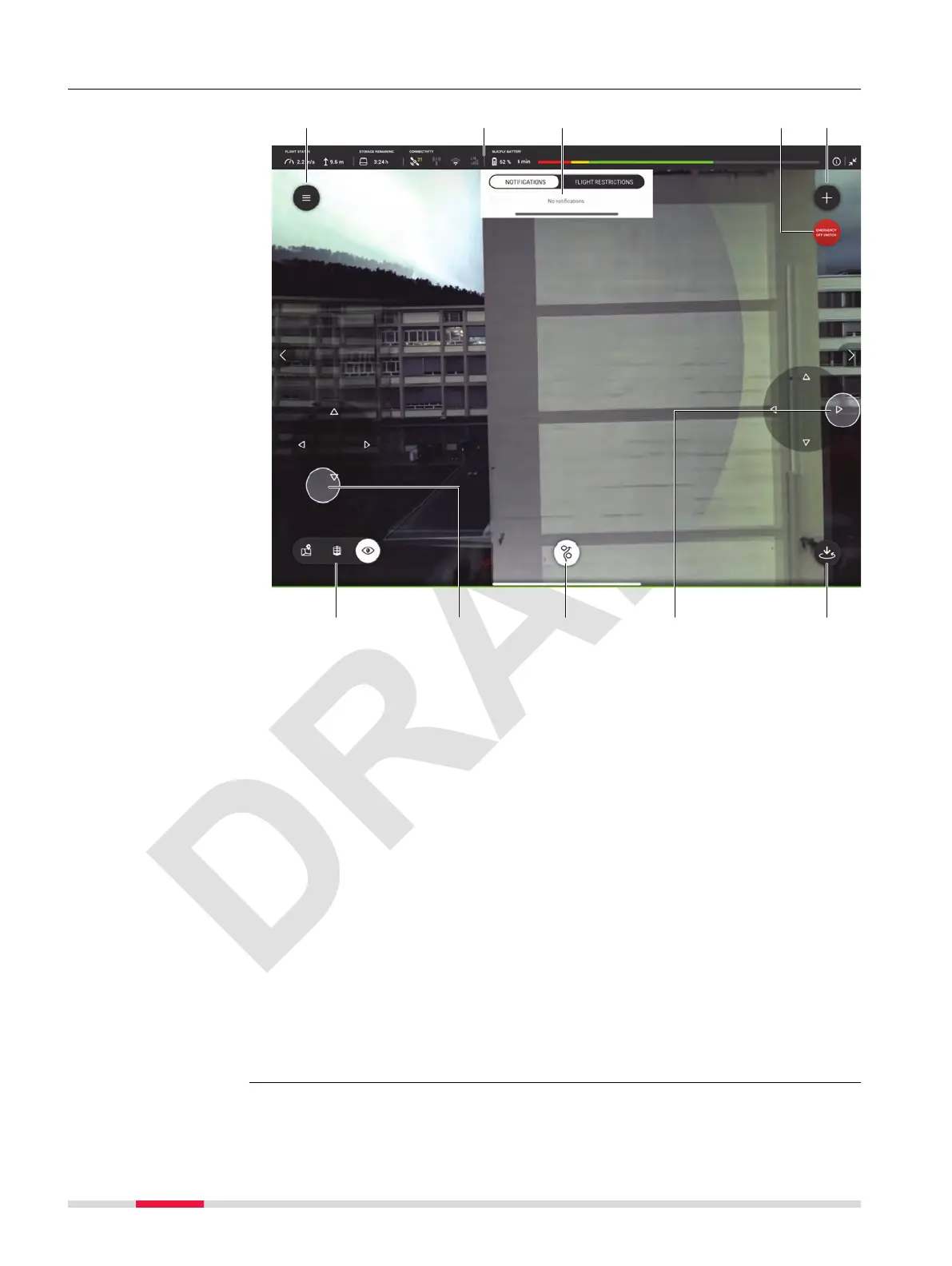
7.6.1 Live View Screen
a Hamburger menu. Refer to 7.6 Hamburger Menu for details
b
Status bar. Refer to 7.4 Status Bar for details
c NOTIFICATIONS and/or Flight Restrictions
d Emergency off switch
e Tap to open the ADD A NEW SCAN menu. Refer to 7.7 Scan Modes for
details.
f Toggle between Map View, 3D View and Live View
g Joystick control for the BLK2FLY
h Tap to return to launch. Dene return behaviour under Settings → Flight
→ Return behaviour. Refer to 7.6.7.4 Flight Screen for details
1)
Options
•
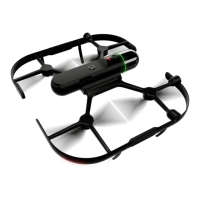
Navigate the BLK2FLY
•
Show the current live view of the BLK2FLY
•
Position the BLK2FLY to have the object of interest in view
•
Single tap on the screen to centre the view on the dened point
•
Open the ADD A NEW SCAN menu
•
Manual control the BLK2FLY using the virtual joysticks
☞
Zooming in this view ies the BLK2FLY to a new position to be able to
show the area of interest.
☞
Digital zoom is only possible in 3D View.
Description
1)
By holding the button for 2 sec, it is possible to dene the return behavior
manually.
48 Description of the Application, Mission Planning


 To Next Page