7.6.4 Project Browser Screen
Open this screen optionally direct from the menu WELCOME. Use this screen
to manage projects.
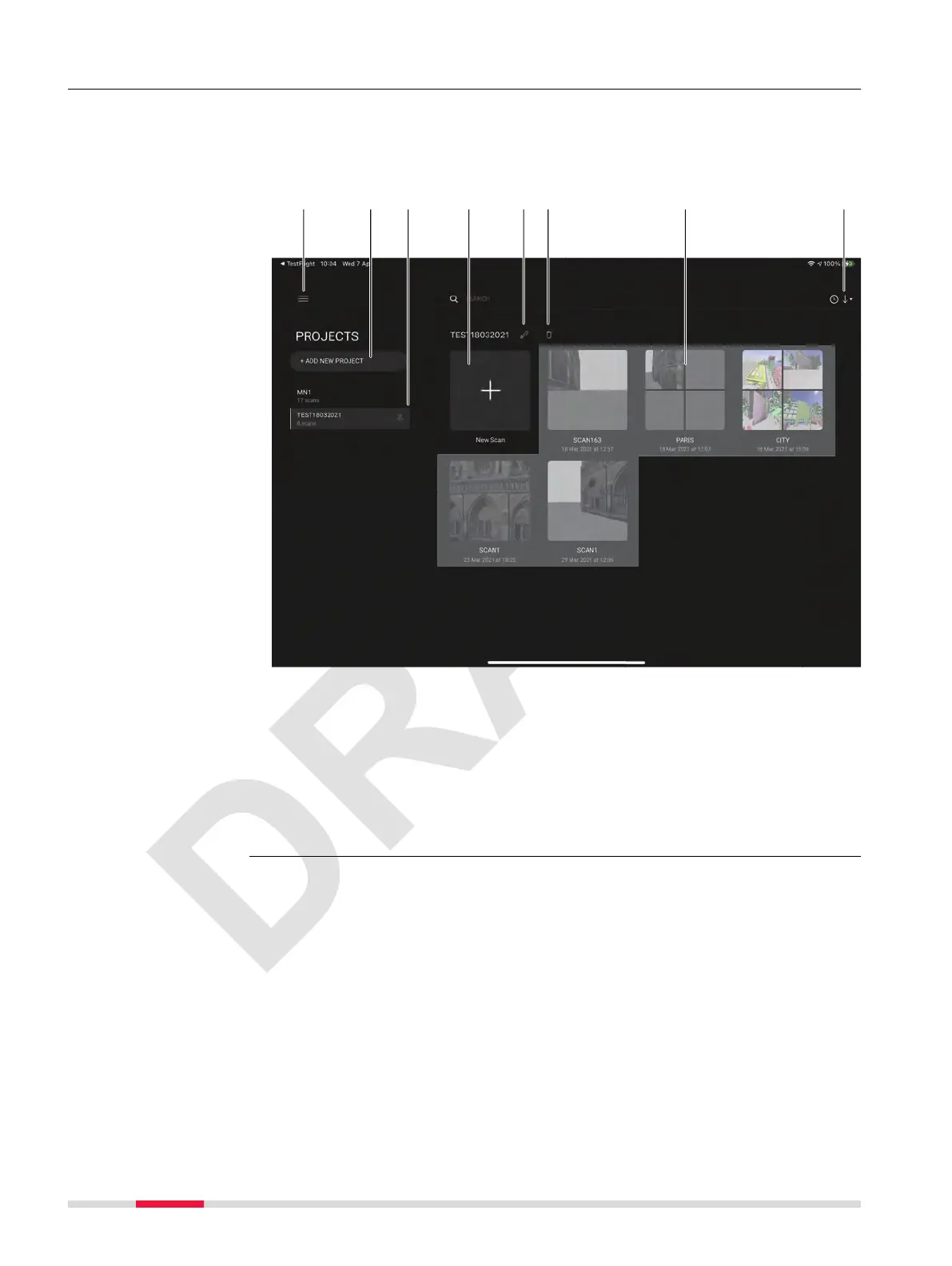
PROJECTS screen
a Hamburger menu. Refer to 7.6 Hamburger Menu for details
b
Add new project to the existing project list
c Given projects. Active project is highlighted.
d Adds new scan to the active project
e Edit the name of the project. Example: TEST18032021
f Delete the selected project. Example: TEST18032021
g Scans and collections
h Select sorting criteria for given scans. Either by time or name
Description
52 Description of the Application, Mission Planning



 To Next Page