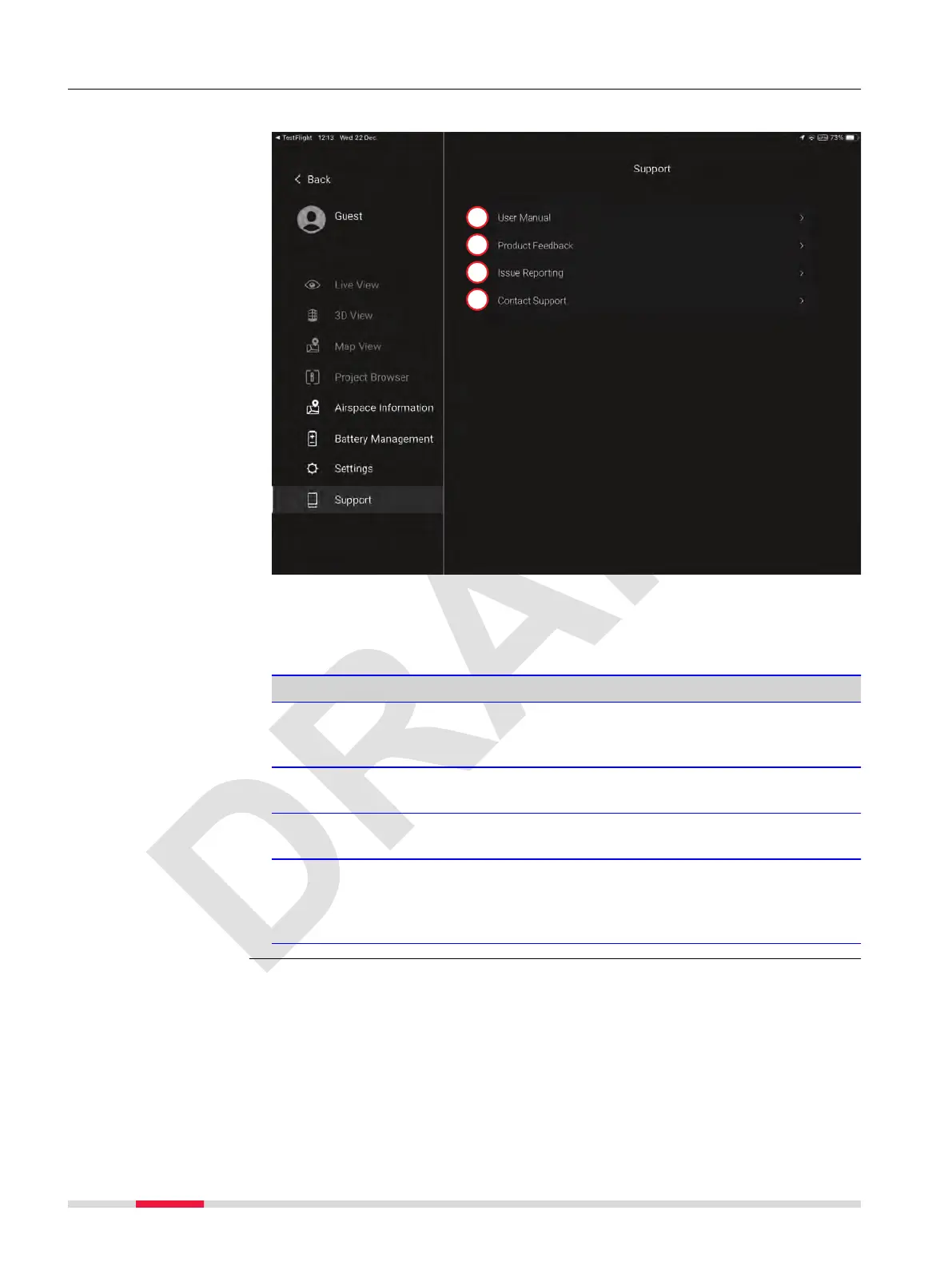
7.6.8 Support Screen
Use this screen to access the User Manual in the eld and to contact support.
a User Manual
b Product Feedback
c Issue Reporting
d Contact Support
Detailed description
Type Description
User Manual Open the BLK2FLY User Manual in the
BLK2FLY Live application. Search functionality
given.
Product Feedback Option to share feedback with Leica Geosystems.
Refer to Product Feedback screen for details.
Issue Reporting Option to report issues to Leica Geosystems.
Refer to Issue Reporting screen for details.
Contact Support Option to access the Leica support network and
the possibility to upload logs from the BLK2FLY
and the BLK2FLY Live application.
Refer to Contact Support screen for details.
Description
72 Description of the Application, Mission Planning



 To Next Page