CS10/CS15 & GS Sensors, Operation
31
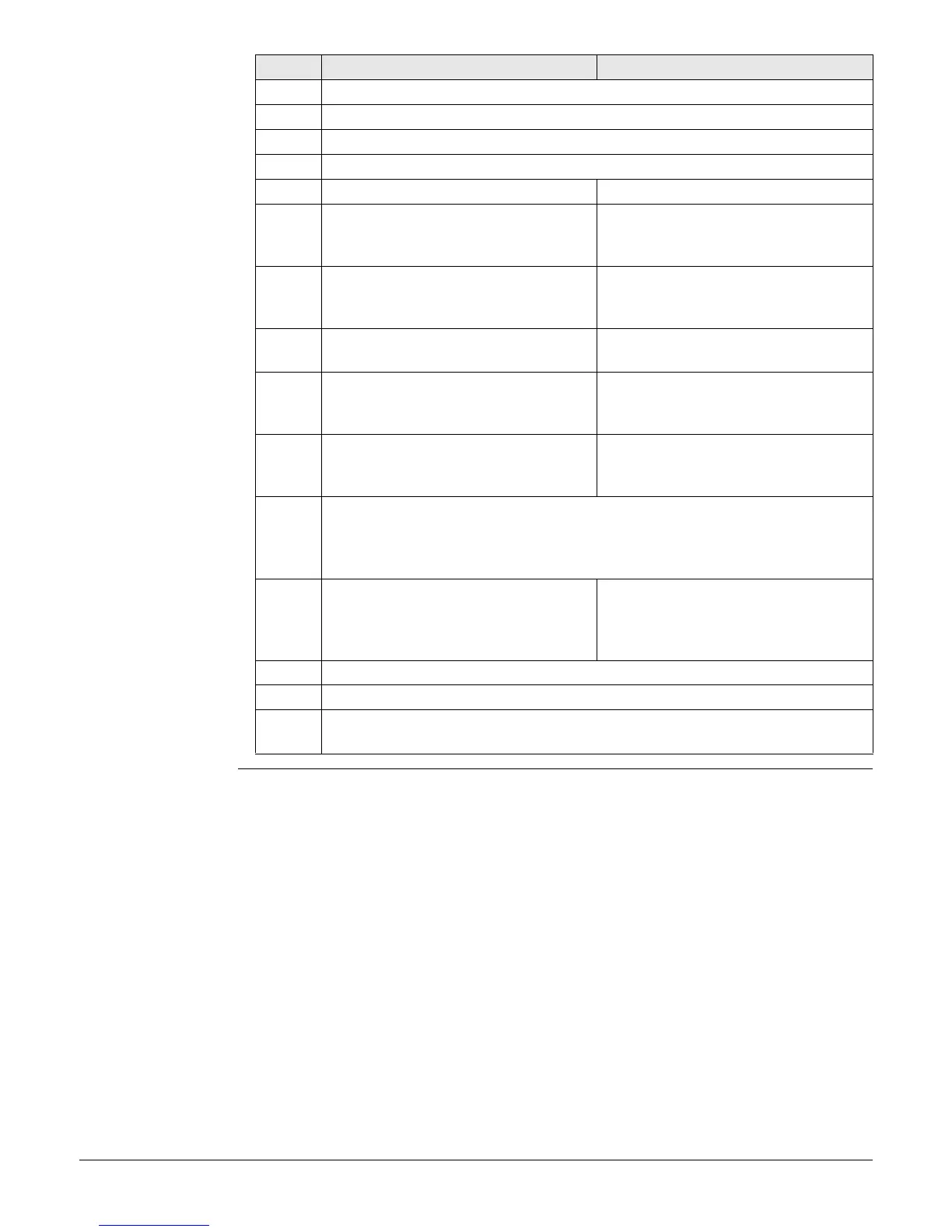
Equipment setup
step-by-step
Step Description
1. Set up the tripod.
2. Mount and level the tribrach on the tripod.
3. Ensure that the tribrach is over the marker.
4. Place and lock the carrier in the tribrach.
GS10/GS25 GS08plus/GS12/GS14/GS15
5. Screw the GNSS antenna onto the
carrier.
Insert the data storage device (only
GS14/GS15) and the batteries into
the GS08plus/GS12/GS14/GS15.
6. Check that the tribrach is still level. Screw the
GS08plus/GS12/GS14/GS15 onto the
carrier.
7. Insert the batteries into the instru-
ment.
Check that the tribrach is still level.
8. Insert the SD card into the instru-
ment.
Insert the data storage device and
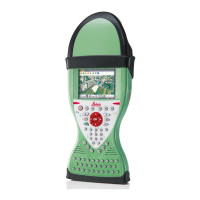
the battery into the CS field
controller.
9. Connect the instrument to the GNSS
antenna using the antenna cable and
port ANT on the instrument.
-
10. Switch on the CS field controller and connect it to the instrument if neces-
sary.
Mandatory for the GS08plus/GS12 and optional for the
GS10/GS14/GS15/GS25.
11. To hang the instrument on the tripod
leg, use the hook on the rear of the
unit. Or place the instrument in the
container.
To hang the CS field controller on the
tripod leg, use the hook on the hand
strap. Refer to the CS10/CS15 User
Manual.
12. Insert the height hook into the carrier.
13. Measure the antenna height using the height hook.
14. Press the ON/OFF button on the instrument for at least 2 s (GS25: 3 s) to
switch on the instrument .



 To Next Page