24
Drive
The LED display on the Drive "On/O" key (39) shows the condition of the drive.
Heating and drive
If the two LED displays for the Heating "On/O" (40) key and the Drive "On/O" (39) key flash simultaneously,
an error is active (
see Chapter Warning messages and error messages (UNIPLAN 300) 28 [11]).
Hold down the Drive "On/O" (39) and Heating "On/O" (40) keys and turn on the
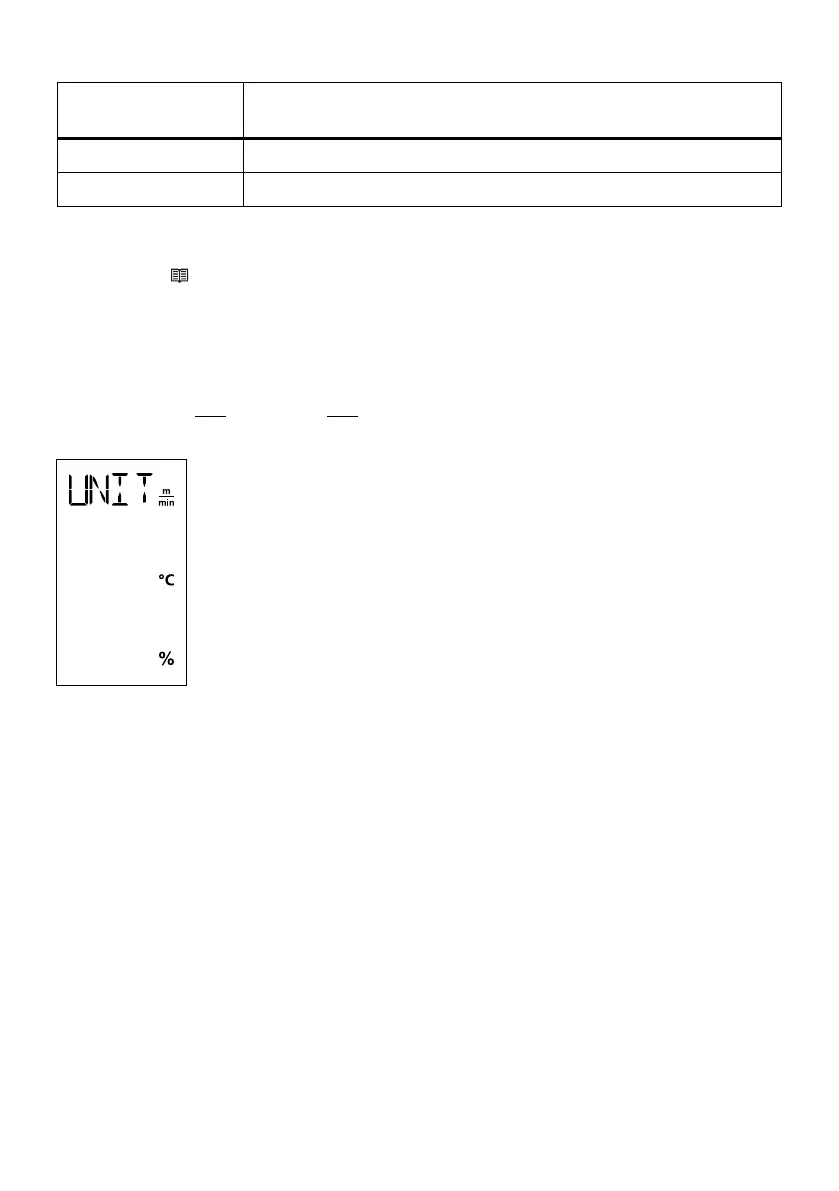
device using the main switch (11). "UNIT" then appears on the display.
Press the Confirm key (42) to confirm and use the Plus/Minus keys (41/43) to set the
desired units.
Press the Confirm key (42) to confirm and use the Plus key (41) to select "SAVE". Press
the Confirm key (42) to confirm; the units are then saved.
The device then restarts automatically.
The units for the welding speed and for the temperature can be adjusted.
Temperature: °C or °F
Speed:
m
min
or
ft
min
Setting the parameter units
LED status
Drive On/Off (37)
Condition
LED display off Drive is turned off
LED display continuously
green
Drive is turned on







 To Next Page