17
A
B
C
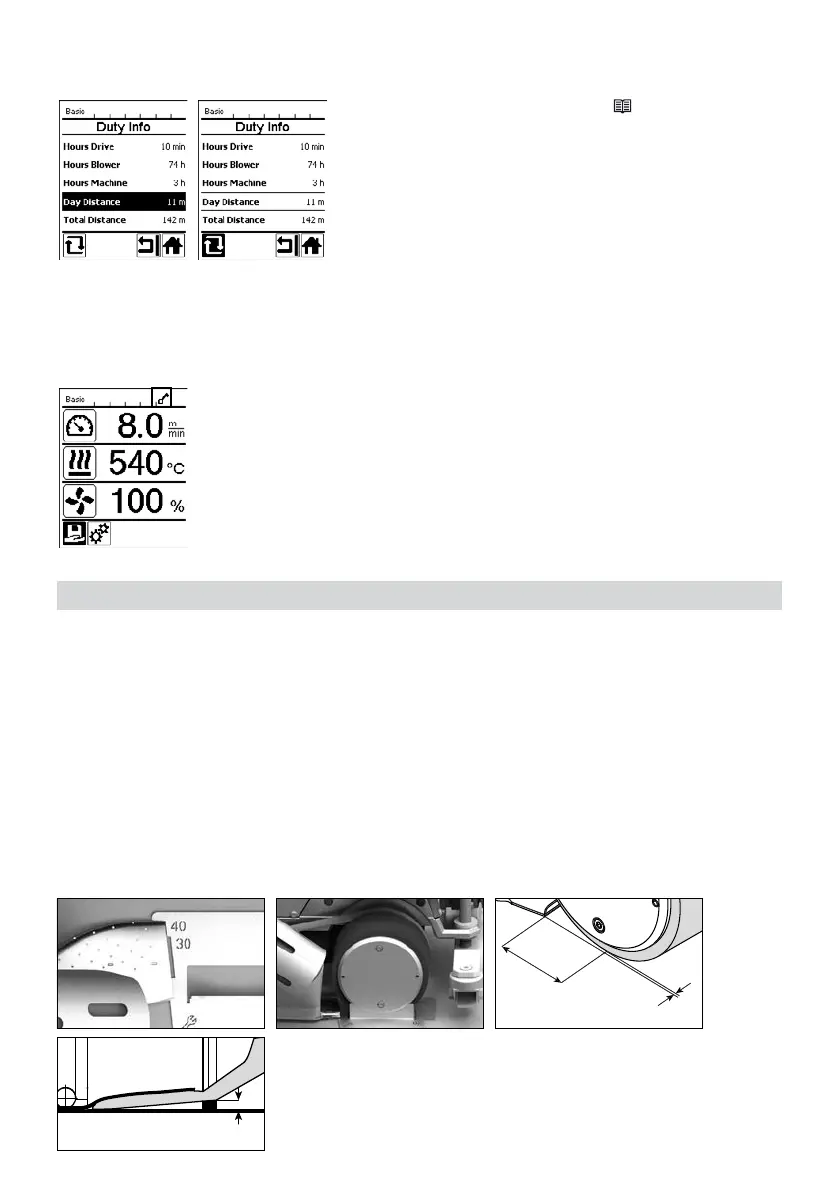
Resetting the day distance
The day distance can be reset only once the drive is switched o.
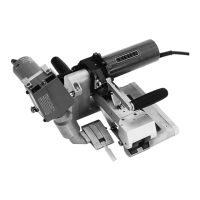
The UNIPLAN 500 has a key lock. This blocks the four keys and the "e-Drive" (31) on the control panel (4). The
key lock is activated or deactivated by simultaneously pressing the "Up" and "Down" arrow keys (26/27) for at
least 2 seconds. When the key lock is activated, this is indicated on the status bar.
Adjusting the welding nozzle (8)
• The basic setting of the welding nozzle (8) is performed in the works.
• Check the basic setting of the welding nozzle (8).
The setting can be checked by the nozzle gauge (24) or as by the measurements A and B.
Prior to commissioning, check the power cord (3), the plug, and the extension cable for electrical and mechani-
cal damage. Damaged plugs and the extension cables must not be used, there is a risk of an electric shock.
If you are using the hot-air welder on a table, take care at all times to prevent the welder falling o the table.
If you are working on the ground and the operation will be prolonged, for ergonomic reasons we recommend the
use of a long guide rod. This is available in the accessories set.
Select the "Day Distance" line in the "Duty Info" (
see the Chapter Duty Info
15 [6.5]).
The cursor will then automatically highlight the "Reset hours counter"
icon. Use the "e-Drive" (31) to confirm.
The hour counter is then reset.
Key lock
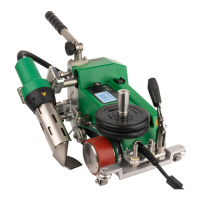
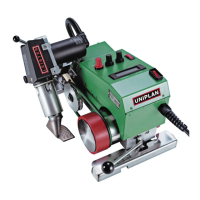
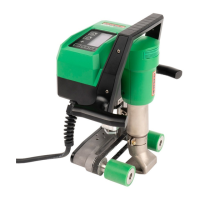
Commissioning the UNIPLAN 500
Operating readiness
A = 45 +/− 5 mm
B = 1 – 2 mm
C = 1 mm








 To Next Page