13
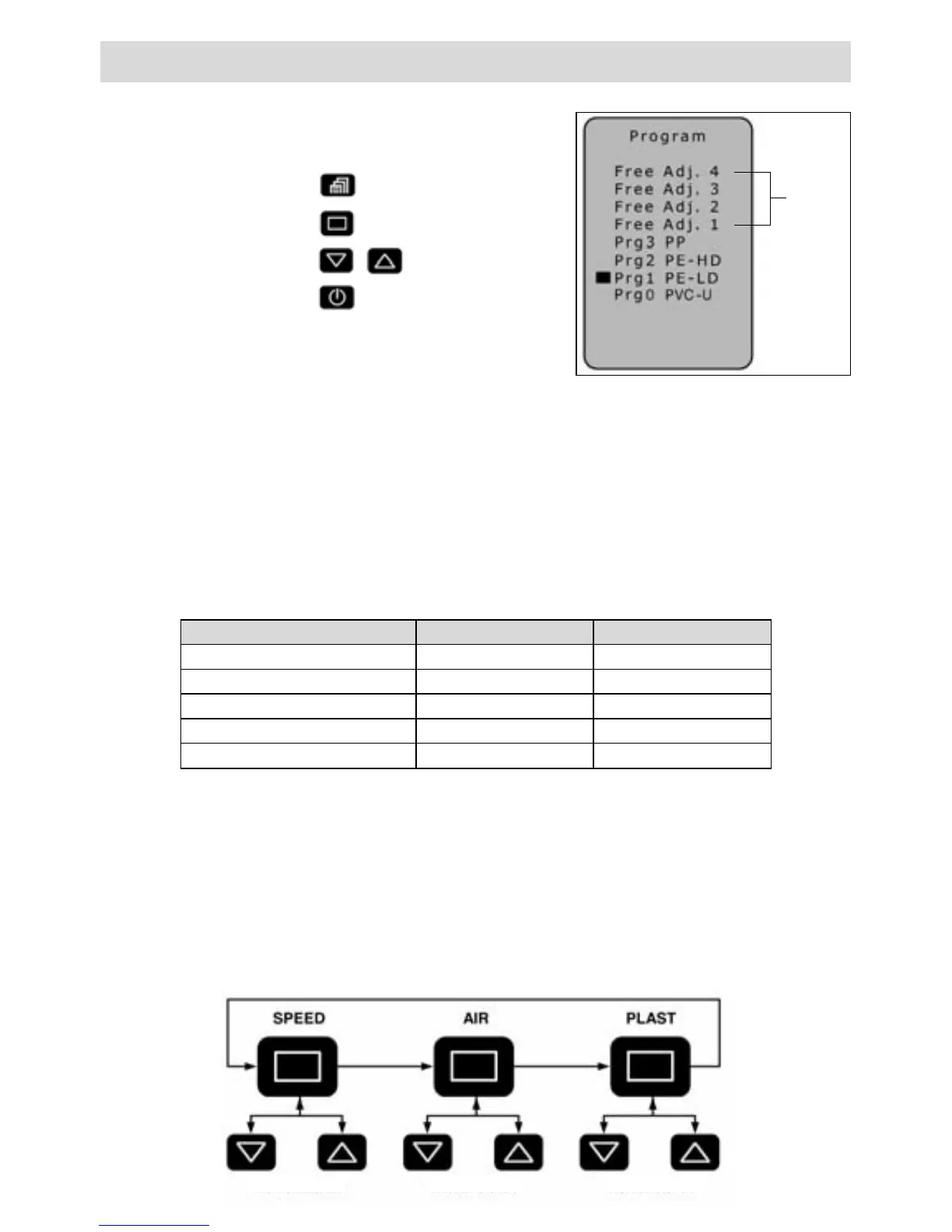
Operating
Menu
Select program
Scroll
Enter
Welding parameters – Programming
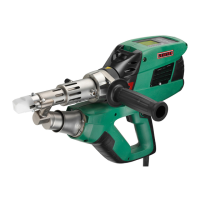
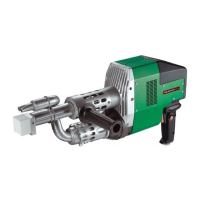
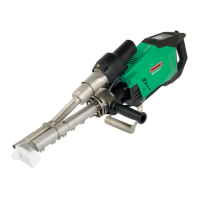
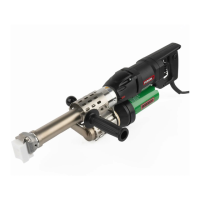
For the hand extruders WELDPLAST S2 the following thermoplastics are suitable:
• WELDPLAST S2 = PP/ PE-HD/ PE-LD,
• WELDPLAST S2-PVC = PVC-U/ PP/ PE-HD/ PE-LD
• WELDPLAST S2-TPO = TPO/ PP/ PE-HD/ PE-LD
Programs 1 – 3 include the relevant preset values, which can be adjusted during the course of
the welding process.
The adjustments are not saved!
The free settings 1 - 4 are factory set and can be freely programmed. The parameters remain
saved after the tool is switched off.
Setting the welding output
• Place the cursor on the «SPEED» position by pressing the Select key (28).
• Set the welding output value (30 to 100) with the Up key (29) or Down key (27).
Setting the PLAST and AIR temperature
• Place the cursor on the «PLAST» or «AIR» position by pressing the Select key (28).
• Set temperature value with the Up key (29) or Down key (27).
The welding program (17) currently set is shown in the operating display.
The display of the materials may vary according to the machine and software versions.
Free
setting
1-4
Welding program Soll PLAST [°C] Soll AIR [°C]
Free settings. 1 – 4 230 260
Prg1 PE-LD 220 260
Prg2 PE-HD 230 260
Prg3 PP 240 260
Prg0 PVC-U 200 300
Set value Set value Set value
Program: the display of the materials may vary according
to the machine and software versions.




 To Next Page