7
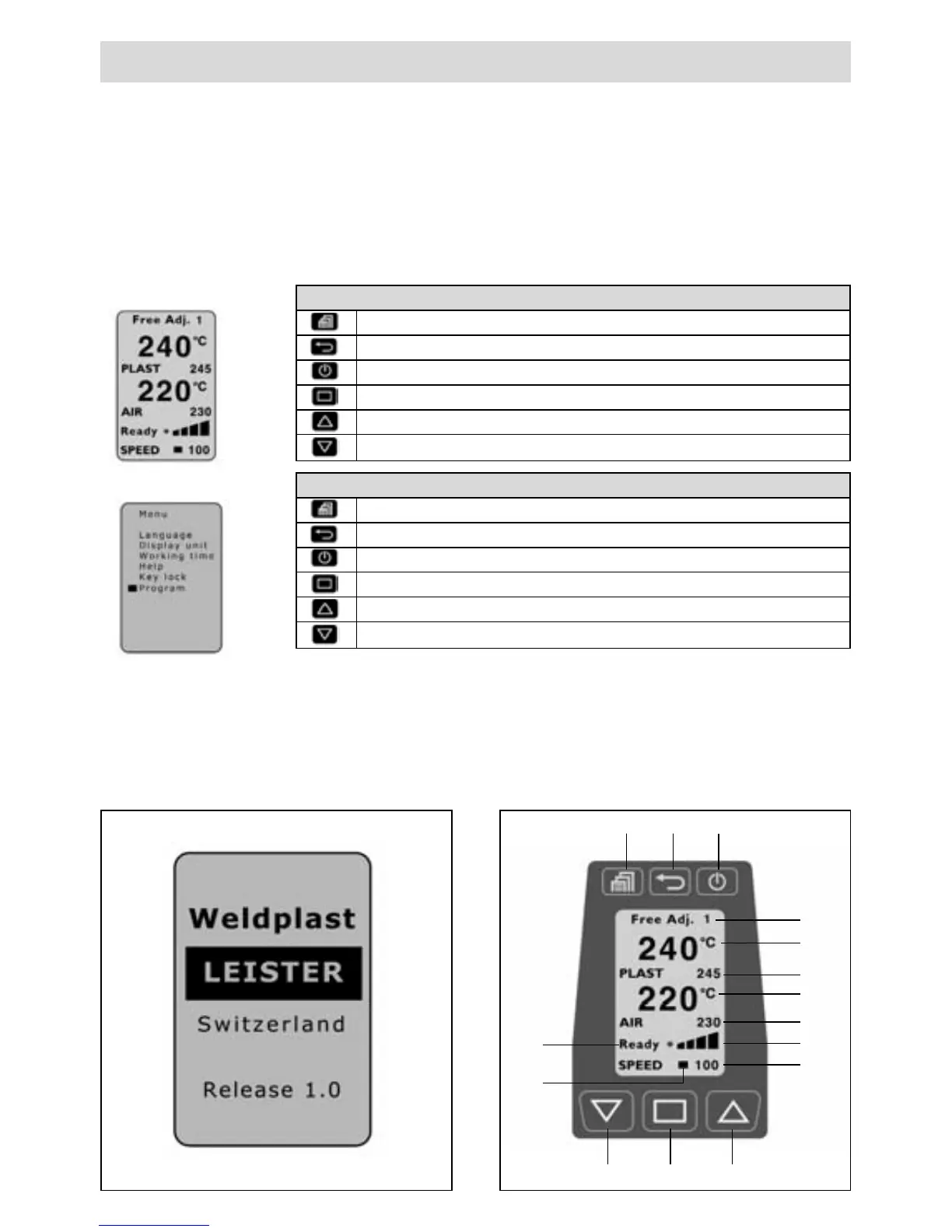
Operating window functions
Menu selection
Set contrast
Heating on/off
Change cursor position
Selected parameter [+]
Selected parameter [–]
Operating
• Operating window
• Menu selection
Menu selection functions
Menu selection / return to operating window
B
ack to multifunctional display (Changed entry is not stored!)
Select and return to operating window
Select
Cursor up / selected parameter +
Cursor down / selected parameter –
Software and menu navigation
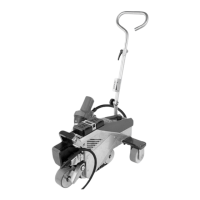
The Weldplast S2 manual extruder comes with comfortable and convenient operator software,
allowing for easy operation.
Key functions
The keys respond with gentle keystrokes.
Preparation for welding
Start window
After switching on the extruder, the name
of the tool and the current software version
are displayed for 3 sec.
Operating window
The operating window shows the parame-
ters currently set.
24
27 28 29
30
31
17
18
19
20
21
22
23
25 26









 To Next Page