IFU-0026 Lenire User Manual Version 2.0
Page 9
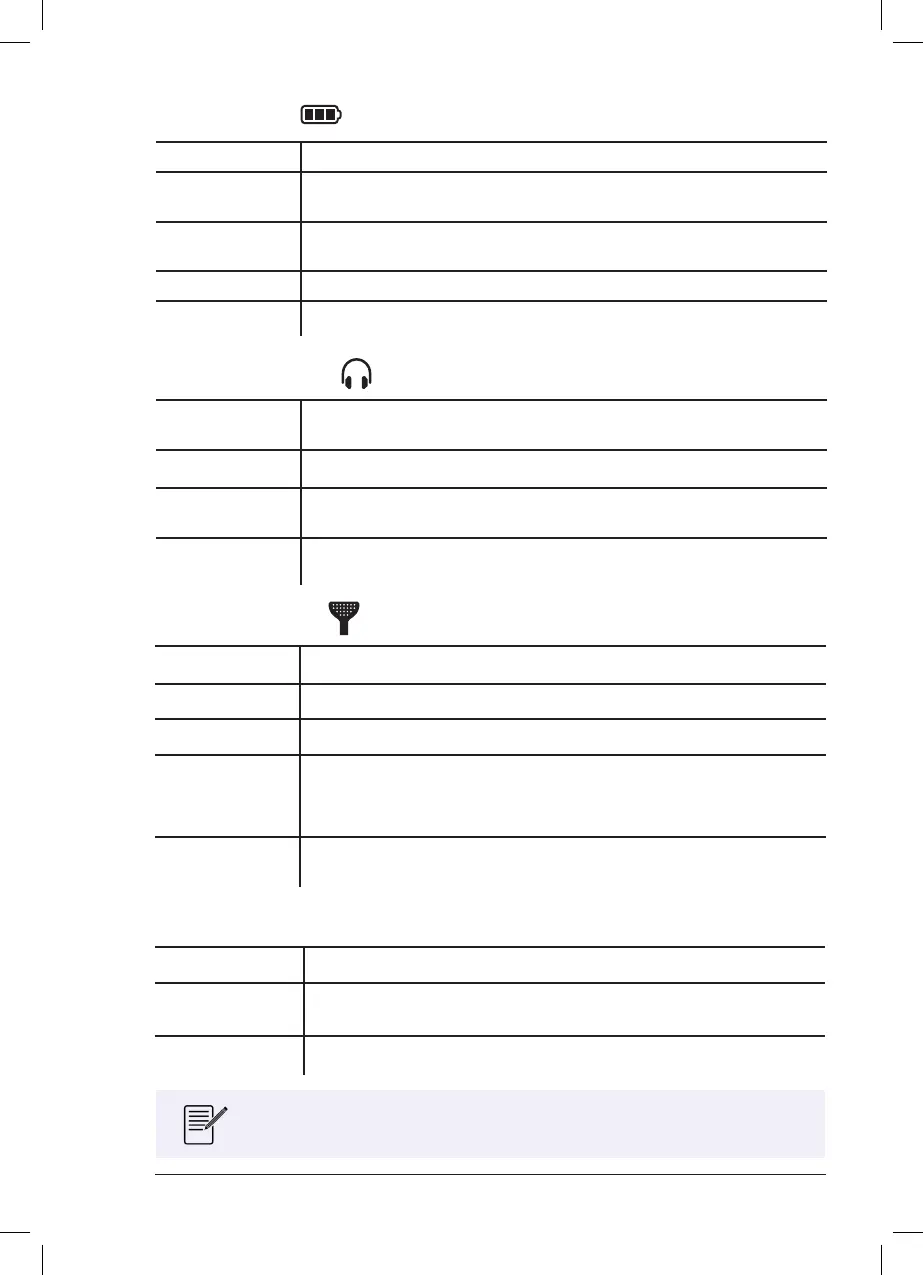
Battery Indicator
Green The battery power is ok.
Orange
The battery has less than 1 hour of power remaining. Please charge
the device before next use (see Chapter 10).
Red
The battery is exhausted. The device will shut o automatically. Please
charge the device before next use (see Chapter 10).
Orange (Pulsing) The Charger is connected and the battery is charging.
Green (Pulsing) The Charger is connected and the battery is fully charged.
Headphones Indicator
Blue (Pulsing)
The Controller is trying to establish a wireless connection to the
Headphones.
Green The Controller is connected wirelessly to the Headphones.
Blue
(Pulsing Rapidly)
The Controller is attempting to pair with the Headphones, see Chapter 20
for details.
Orange
(Pulsing Rapidly)
The Controller is not congured for the connected Headphones.
Tonguetip Indicator
Blue (Pulsing) There is no Tonguetip connected.
Green (Pulsing) The Tonguetip is connected but it is not in contact with the tongue.
Green The Tonguetip is connected and it is in contact with the tongue.
Orange or Orange
(Pulsing)
The Tonguetip has less than 10 hours of use remaining before expiry.
Please purchase a new Tonguetip to avoid disruption to your treatment
regime.
Red
The Tonguetip has expired. Please purchase a new Tonguetip to continue
treatment.
Treatment Indicator
White (Pulsing) The treatment session is paused.
White (Animated)
The treatment session is active – the white light rotates around the
buttons.
Green (Pulsing) The treatment session has completed.
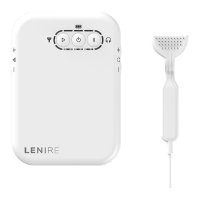
When the device is powered o, none of the lights will be illuminated.



 To Next Page