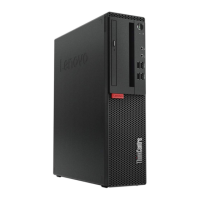
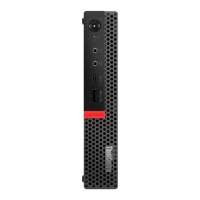
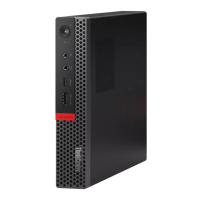
14 Internal speaker
Used to listen to the sounds from your computer without using a headset or headphones.
Rear view
Note: Your computer model might look slightly different from the illustration.
Figure 2. Rear view
1 Audio line-out connector
2 VGA-out connector
3 DisplayPort
®
1.2 out connector
4 USB 3.1 Gen 1 connector
5 USB 3.1 Gen 1 connectors (3)
6 Power cord connector
7 Serial connector 8 PS/2 mouse connector (optional)
9 PS/2 keyboard connector (optional)
10 Ethernet connector
11 Rear Wi-Fi antenna cover
12 Serial connector (optional)
13 Padlock loop
14 Smart cable clip slots (2)
15 PCI-Express card area (different cards provide
different connectors)
16 Security-lock slot
1 Audio line-out connector
Used to send audio signals from the computer to external devices, such as powered stereo speakers,
headphones, or multimedia keyboards. To connect a stereo system or other external recording device,
Chapter 1. Overview 3



 To Next Page
 Loading...