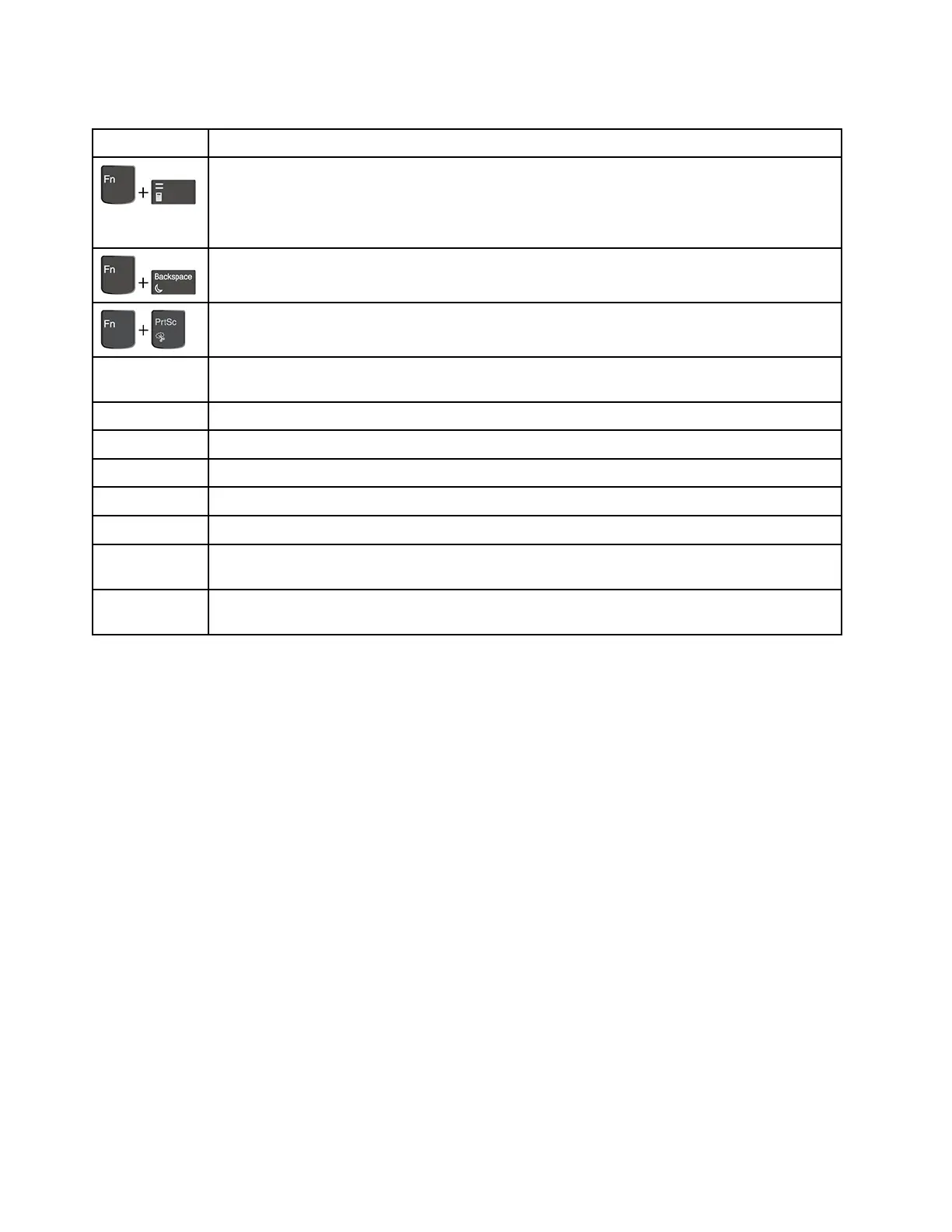
Table 6. Special keys (continued)
Special key
Description
(for ThinkPad
E15 only)
Open the calculator.
Put your computer into sleep mode.
Open the Snipping Tool program.
Fn+Spacebar Switch between different keyboard backlight statuses if your computer supports keyboard
backlight.
Fn+4 Put the computer into sleep mode. To wake up the computer, press Fn or the power button.
Fn+B Equal the Break key on a conventional external keyboard.
Fn+K
Equal the ScrLK or Scroll Lock key on a conventional external keyboard.
Fn+P Equal the Pause key on a conventional external keyboard.
Fn+S Equal the SysRq key on a conventional external keyboard.
Fn+Left arrow
key
Equal the Home key.
Fn+Right arrow
key
Equal the End key.
44 E14/R14/E15/S3 Gen 2 Hardware Maintenance Manual















 To Next Page