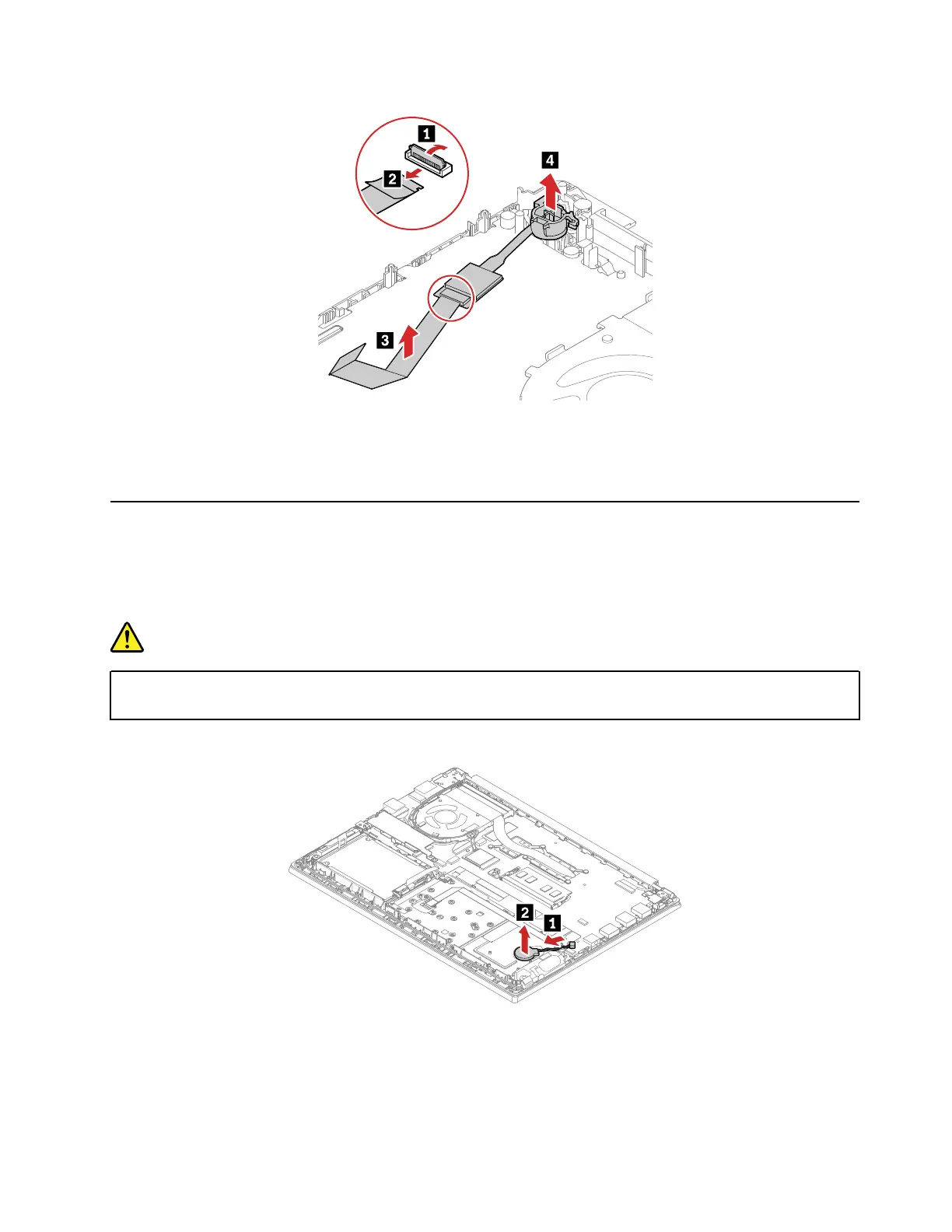
When installing:
Ensure that the connectors are attached firmly.
1120 Coin-cell battery
For access, remove these FRUs:
• “1010 Base cover assembly” on page 65
• “1060 Built-in battery” on page 73
DANGER
Use only the authorized battery specified for your computer. Any other battery could ignite or
explode.
Removal steps of the coin-cell battery
When installing:
Ensure that the connector is attached firmly.
Chapter 8. Removing or replacing a FRU 83















 To Next Page