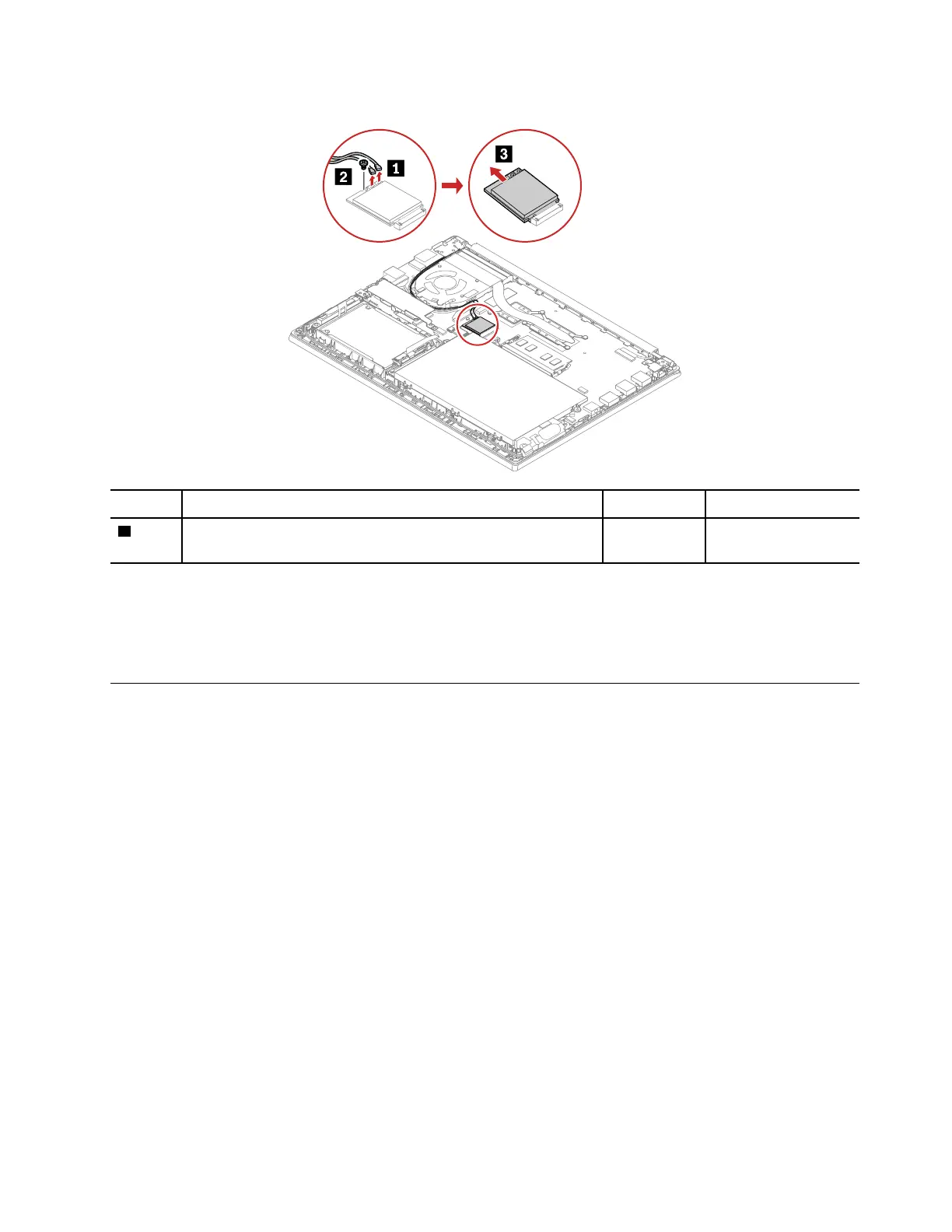
Removal steps of the wireless LAN card
Step Screw (quantity) Color
Torque
2
M2 × 2.5 mm, flat-head, nylon-coated (1) Silver
0.181 Nm
(1.85 kgf-cm)
When installing:
Plug the gray cable into the connector labeled MAIN on the card; and plug the black cable into the connector
labeled AUX on the card.
1080 Thermal fan assembly
For access, remove this FRU:
• “1010 Base cover assembly” on page 65
• “1040 M.2 solid-state drive and brackets” on page 68
Chapter 8. Removing or replacing a FRU 75















 To Next Page