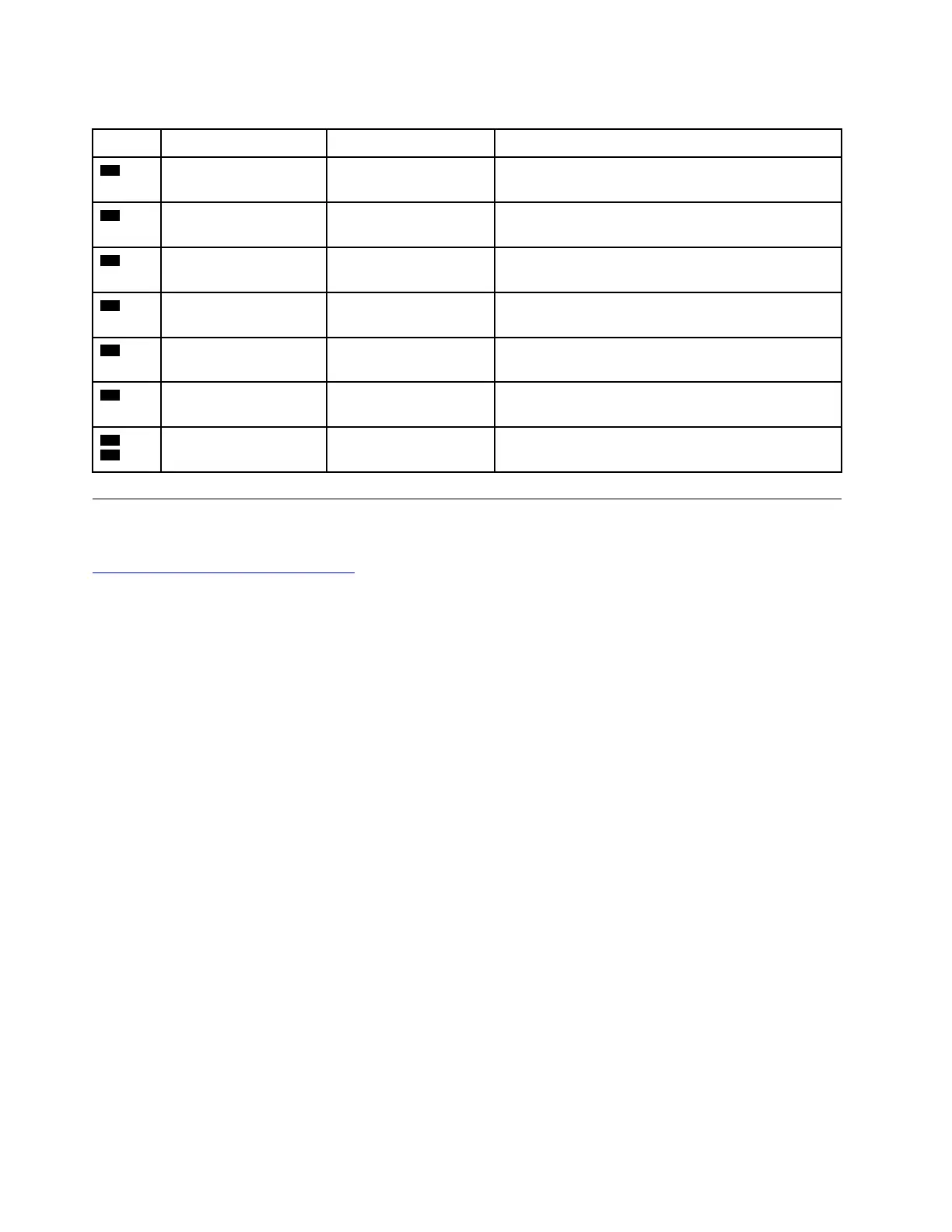
Table 12. System board (continued)
Item
Connector (location)
Internal cable required
Cable connection
11
Trackpad connector
(internal)
Trackpad cable
Connect one end to the trackpad and the other end
to this connector.
12
Memory module slot
(internal)
No Insert the memory module into this slot.
13
Built-in battery
connector (internal)
Built-in battery cable The built-in battery cable comes with the cable.
Connect the cable to this connector.
14
Hard disk drive
connector (internal)
Hard disk drive cable Connect one end to the hard disk drive and the other
end to this connector.
15
M.2 solid-state drive
connector (internal)
No
Connect the M.2 solid-state drives to this connector.
16
I/O card cable
connector (internal)
I/O card cable Connect the I/O card cable to this connector.
17
18
Keyboard connectors
(internal)
Keyboard assembly
cables
The keyboard assembly comes with the cables.
Connect the cables to these connectors.
Looking up FRU information
For detailed FRU information, including part numbers, descriptions, and substitution part numbers, go to:
https://support.lenovo.com/partslookup
58 E14/R14/E15/S3 Gen 2 Hardware Maintenance Manual















 To Next Page