6.Iftheabovetipsstillarenotworkable,itmightbecausedbytheversionorlanguageofyouroperating
system.Youcanmanuallyinstallthedriverbydoingthefollowing:
a.Gotohttp://support.lenovo.com/tpkeyboard.
b.Locateanddownloadtheinstallationleofthedriver.
c.Double-clicktheinstallationle,andthenfollowtheinstructionsonthescreentocompletethe
installation.
Problem:IttakesalongtimetopairtheUSBkeyboardwiththecomputerontheWindows7operating
system.
Solution:Itisnotaproblem.WhentheclockontheUSBkeyboardicondisappears,theUSBkeyboardis
successfullypairedwiththecomputer.Ifitfails,tryreconnectingitagain.
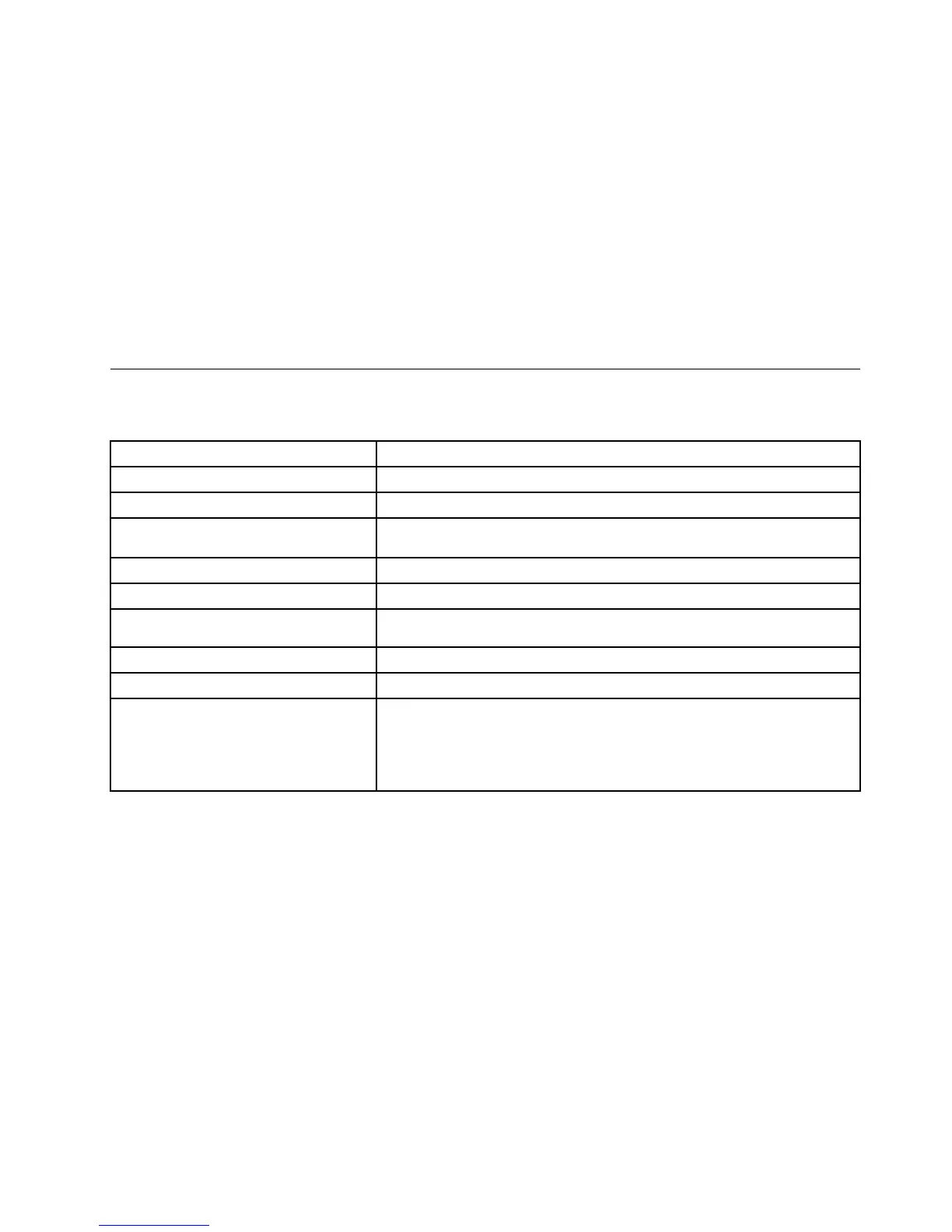
Productspecications
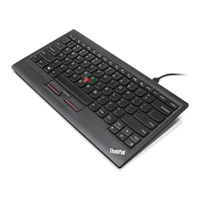
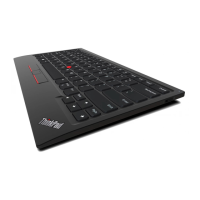
ThefollowingtabledescribestheUSBkeyboardspecications.
Keys
84/85/89keys(variesbycountry)
Color
Ravenblack
Dimensions(heightxwidthxdepth)305.5mmx164.0mmx13.5mm(notincludingthetiltfeet)
Weight
About441g(Includingthecable)
Connectortype4-pinUSBTypeA
Cablelength1.5m(4.92feet)
Operatingvoltage+5V(Typical)
Powerconsumption100mAmaximum
SysteminterfaceUSB
SupportedoperatingsystemWindows8.1(32-bitand64-bit)
Windows8(32-bitand64-bit)
Windows7(32-bitand64-bit)
WindowsVista(32-bitand64-bit)
WindowsXP(32-bit)
Chapter2.ThinkPadCompactUSBKeyboardwithTrackPoint11


 To Next Page
 Loading...